Every List Like This Reads the Same. Here’s a Different Cut.
Search “best free AI tools for business” and you’ll get the same eight names in a different order every time – ChatGPT, Canva, Grammarly, Zapier, Notion, on repeat. They’re not wrong picks. But stacking them in a generic list doesn’t tell you which one to actually open on a Tuesday morning when you have a specific problem in front of you.
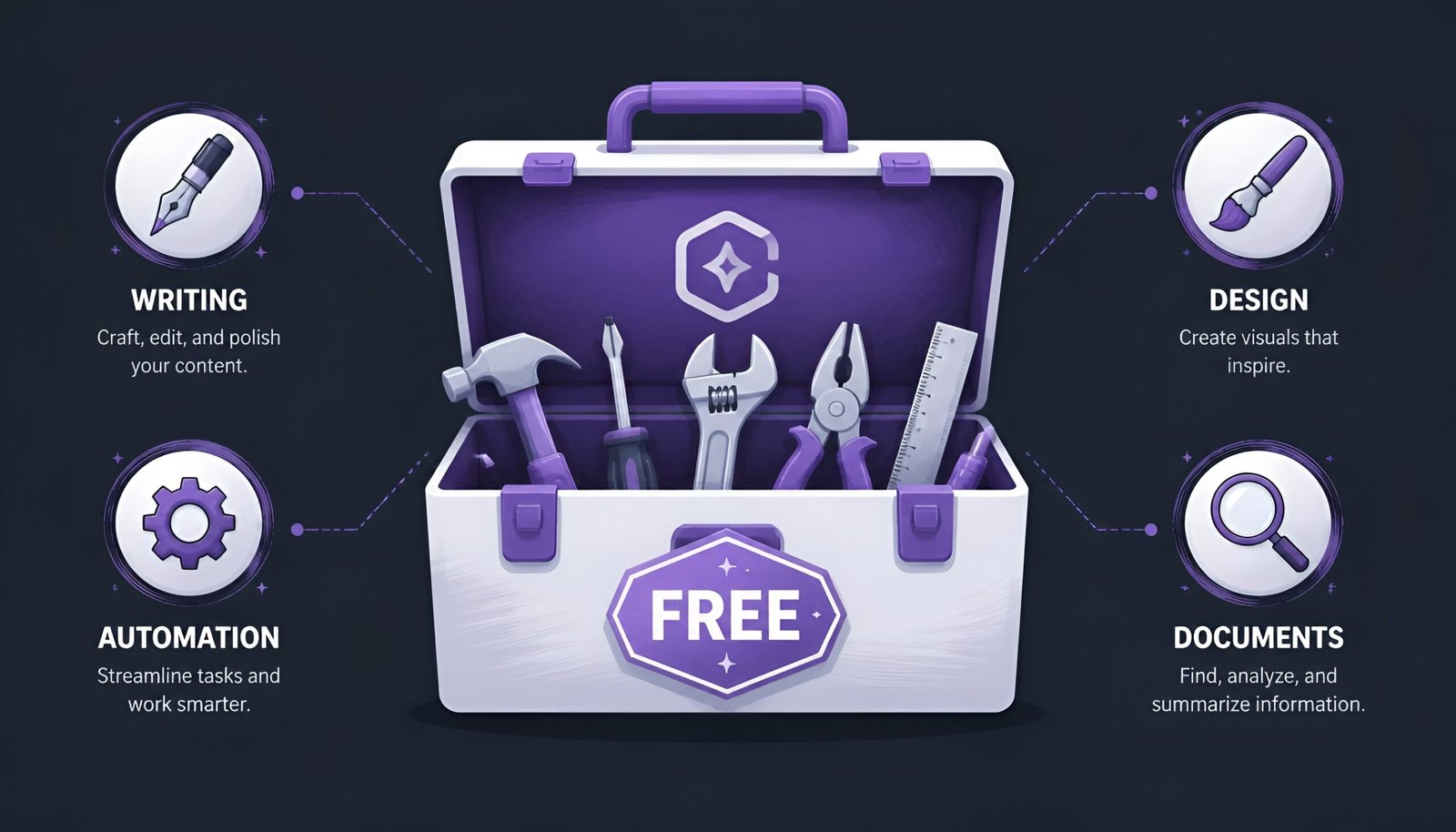
So instead of ranking these, they’re grouped by the job they solve. Pick your problem, not a brand name.
Quick Answer
Here’s the fastest way through the free AI tools for business landscape without reading the whole list: need to write something today – ChatGPT. Need a design without hiring anyone – Canva. Need to automate a repetitive task between two apps – Zapier. Need to analyze a long document or contract – Claude. Need somewhere to track leads without a spreadsheet – HubSpot’s free CRM.
Free AI Tools for Business, Sorted by Job
| The job | Tool | Free tier limit |
|---|---|---|
| Writing emails, replies, drafts | ChatGPT | Usage caps refresh every few hours, resets during high-demand periods |
| Social graphics, ads, presentations | Canva | 5GB storage, limited premium assets and AI generations |
| Automating tasks between apps | Zapier | 100 tasks/month, single-step Zaps only |
| Reading/summarizing long documents | Claude | Daily message caps, resets each day |
| Tracking leads and customers | HubSpot CRM | Free forever for core CRM; capped at 1,000 contacts and 2 users |
| Cleaning up writing tone/grammar | Grammarly | Basic corrections free; tone rewrites and style checks are paid |
| Team docs, notes, project tracking | Notion + Notion AI | Workspace free; Notion AI limited to 20 responses total (lifetime, no reset) |
Writing: ChatGPT
For drafting emails, replies to customers, job descriptions, or a first pass at marketing copy, ChatGPT’s free tier is still the fastest way to go from blank page to usable draft. It’s not going to write your final version – it’s going to get you unstuck, which for most small business writing tasks is 80% of the actual time cost.
Design: Canva
Canva’s AI features – Magic Design, background removal, text-to-image – live inside a drag-and-drop editor built for people with zero design background. A local business can turn a weekly promotion into a finished social graphic in a few minutes without touching Photoshop or hiring a designer.
Automation: Zapier
Zapier’s job is connecting the apps you already use so information doesn’t have to move between them by hand – a new lead in one tool automatically becomes a task in another, a form submission automatically becomes a Slack message. Its free tier limits you to 100 tasks a month and single-step automations only, but that’s usually enough to prove the workflow is worth setting up before paying for the multi-step version.
Document Analysis: Claude
For reading through a long contract, report, or research document and pulling out what actually matters, Claude handles long documents well and tends to stay closer to what the source text actually says rather than filling gaps with plausible-sounding guesses. Useful for a first pass before a human reads the whole thing carefully.
CRM: HubSpot Free
HubSpot’s free CRM tier covers contact tracking, deal pipelines, and basic email logging with no time limit on the free plan itself – a real alternative to running sales out of a spreadsheet. It’s capped at 1,000 contacts and 2 users, and its AI features (email drafting, summarizing customer interactions) are more limited than the writing tools further up this list, but the core CRM function alone justifies switching off a spreadsheet for a small business just getting started.
Writing Polish: Grammarly
Grammarly’s free tier catches spelling, grammar, and basic clarity issues in emails, proposals, and client-facing documents in real time as you type. Tone rewriting and deeper style suggestions sit behind the paid tier, but the free version alone is enough to stop typos from going out under your business’s name.
Docs and Team Knowledge: Notion + Notion AI
For teams that need one place to keep project notes, meeting summaries, and lightweight trackers, Notion’s core workspace is free with no real limitation for small teams. Notion AI on the free plan only gives you 20 responses total for the life of the account, not a recurring monthly allowance – once they’re used, that’s it until you upgrade. Even without AI, pasting in a meeting transcript and organizing it manually into Notion’s block editor is a genuinely useful habit on its own.
What “Free” Actually Costs on the Data Side
Before pasting anything sensitive into any of these – customer contracts, financial figures, unreleased product details – it’s worth checking each tool’s current data policy specifically for its free tier. Free plans and paid business plans don’t always carry the same data-handling terms from the same company; some AI providers use free-tier conversations to help improve their models by default unless you opt out in settings, while business/enterprise tiers of the same product often explicitly exclude your data from training.
Practical rule: Treat every free AI tool like a conversation you wouldn’t mind an employee overhearing. For anything involving real customer data, unreleased pricing, or contracts, check the specific tool’s current privacy settings first – opting out of data training is often available but rarely on by default.
A few more questions people ask before picking free AI tools for business.
Frequently Asked Questions
Which free AI tool should a solo founder start with?
ChatGPT and Canva cover the widest range of day-to-day tasks for a single person – writing and visuals – before anything else becomes necessary. Add a CRM only once you have enough leads that a spreadsheet stops being manageable.
Do free AI tools actually save time, or is that overstated?
For narrow, repetitive tasks – first-draft writing, basic design, simple automations – the time savings are real and immediate. Where it gets overstated is in claims that these tools replace strategic thinking or judgment; they speed up the mechanical part of the work, not the decision-making part.
Is it safe to use free AI tools with customer data?
It depends entirely on the specific tool’s current policy, which changes more often than people expect. As a default, avoid pasting identifiable customer information, financial details, or contract terms into any free-tier AI tool unless you’ve confirmed its current data-training and retention policy directly on its site.
When does it make sense to pay instead of using the free tier?
Once a tool is doing something that directly makes or saves the business money on a regular basis – not occasionally – the paid tier’s higher usage limits and stronger data protections usually pay for themselves quickly. Free tiers are best treated as a trial to prove that before committing.
Can these tools replace hiring someone (a designer, a VA, a salesperson)?
They reduce how much of that role you need, especially at a very small scale, but they don’t fully replace judgment, client relationships, or creative direction. Most small businesses use them to delay a hire, not eliminate the need for one indefinitely.
Final Thoughts
The best free AI tools for business aren’t the ones with the flashiest AI feature – they’re the ones that solve one specific, recurring annoyance well enough that opening the app becomes a habit. Pick the single job costing you the most time this week, try the free tool built for exactly that job, and only look at the rest of this list once that one has earned its place in your routine. If project tracking is the job in question, our Notion vs ClickUp comparison goes deeper on choosing between the two once you’re past the free-tier stage.
Verified: August 2026