The Short Answer
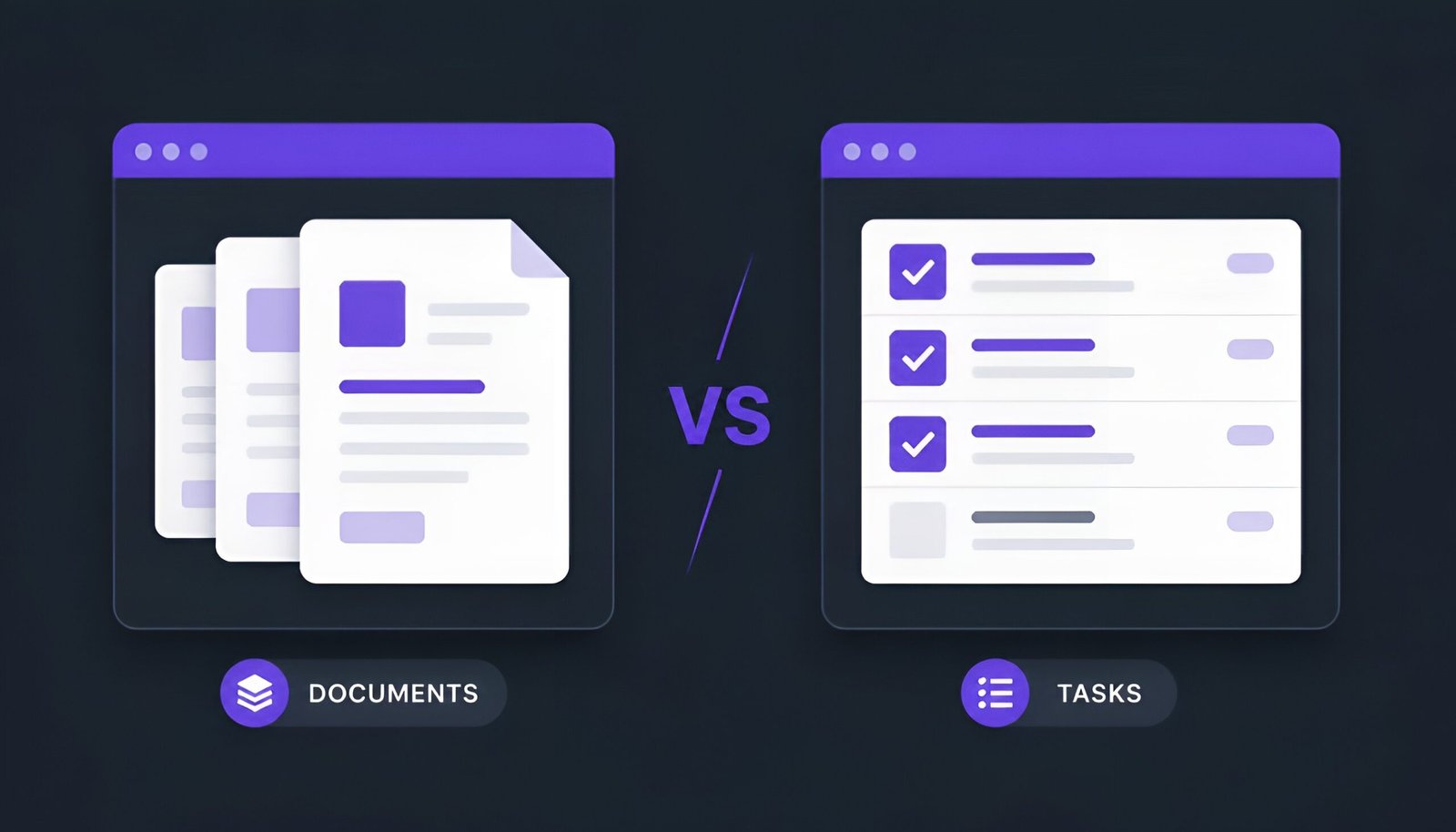
Notion vs ClickUp is one of the most common “which tool should I use” questions in productivity circles, and they get lumped together because they both promise to be “the one app your team needs.” But they started from opposite ends of the same problem. Notion began as a docs-and-notes tool and grew task features on top. ClickUp began as a task-and-project tool and grew docs on top. That origin story still shows in how each one feels to use today.
Pick Notion if your team’s work is mostly writing, thinking, and organizing information. Pick ClickUp if your team’s work is mostly assigning, tracking, and shipping tasks against deadlines.
Both have free plans worth trying before you commit to either, and – like most “versus” comparisons in this space – plenty of people end up running both for different jobs. That combination is covered near the end.
What Each Tool Actually Is
Notion is a block-based workspace where every page is built from text, tables, and databases you assemble yourself. It doesn’t come with a rigid structure – a “task” in Notion is really just a database row you’ve decided to treat as a task. That flexibility is the whole pitch: teams build wikis, product specs, and trackers that look nothing alike because Notion doesn’t force a shape on them.
ClickUp is built around the task as its core unit from the ground up. Tasks live inside lists, folders, and spaces, and the same set of tasks can be viewed as a board, a calendar, a Gantt chart, a timeline, or a workload view without rebuilding anything. Docs exist in ClickUp too, but they were added later and it shows – they’re functional, not the main event.
Notion vs ClickUp Pricing – Where the Two Actually Diverge
| Notion | ClickUp | |
|---|---|---|
| Free plan | Yes – built for individuals, limited file uploads | Yes – unlimited members, more generous for small teams |
| Entry paid tier | ~$10/user/month (billed annually) | ~$7/user/month (billed annually) |
| AI features | Bundled into higher tiers on some plans, add-on on others | Bundled on some plans, separate add-on on others |
| Native automations | None natively – built with templates/workarounds | Yes – rule-based automation engine included |
| Time tracking | Not native | Native, built into tasks |
Worth knowing before you buy: both companies have changed how AI is priced more than once in the past year – sometimes bundled into a plan, sometimes billed as a separate per-user add-on. The base subscription price you see marketing isn’t always the price you’ll actually pay once AI is turned on for your whole team. Check each tool’s current pricing page directly before budgeting, rather than trusting any single comparison article’s numbers – including this one.
Views and Structure
This is ClickUp’s clearest advantage. The same list of tasks can switch between List, Board, Calendar, Gantt, Timeline, Mind Map, and Workload views with no extra setup. Dependencies link across tasks natively, so if Task B can’t start until Task A finishes, ClickUp enforces that visually and logically.
Notion offers Table, Board, Calendar, Gallery, Timeline, and List views over a database, and they’re clean to use – but there’s no native Gantt with real cross-task dependencies. Teams that need that end up building a template that approximates it with date fields, which works until the project gets complicated enough that the approximation breaks down.
Docs and Knowledge Base
Here the advantage flips completely. Notion’s nested pages and block editor make it the stronger tool for anything document-heavy – a company wiki, a product spec library, an onboarding handbook that links out to a dozen sub-pages. It’s fast to navigate and easy to keep organized even as it grows.
ClickUp Docs covers the basics – SOPs, project briefs, meeting notes attached to tasks – but it’s a secondary feature bolted onto a task-first product. If your team’s daily work is mostly writing and reference material rather than task tracking, this gap matters more than the pricing difference does.
Automations and Integrations
ClickUp has a real rule-based automation engine built in: change a task’s status, and it can reassign the task, notify someone, or post to a connected chat app automatically. It also connects natively to well over 100 outside tools, with dedicated integrations for things like GitHub, Slack, and Figma that sync data both ways.
Notion has no native automation engine – anything resembling one is built through third-party connectors like Zapier or Make. Notion’s own integration catalog is smaller but covers the essentials most teams actually reach for, including Slack, GitHub, and Google Drive.
Notion vs ClickUp: Who Should Use Which
| Your situation | Better fit |
|---|---|
| Team wiki, docs, or knowledge base is the main need | Notion |
| Running projects with deadlines and dependencies | ClickUp |
| Solo user or very small team, budget matters most | Notion (free tier) |
| Small team wanting a free plan with more than one seat | ClickUp |
| You bill clients by the hour, need time tracking | ClickUp |
| You want flexible databases over rigid task structure | Notion |
| Automations and third-party app connections matter a lot | ClickUp |
Can You Use Both? (More Common Than You’d Think)
Yes, and it’s a reasonable setup rather than a compromise – plenty of teams stop treating Notion vs ClickUp as an either/or choice. A common split: ClickUp handles active project tracking, deadlines, and assignments – Notion holds the reference material, documentation, and anything that needs deep linking between ideas rather than a due date.
The friction is that the two don’t sync natively. Some teams connect them through Zapier or Make so that finishing a ClickUp task can, for example, log a summary into a Notion database automatically. It’s extra setup, but for teams that genuinely need both a task engine and a knowledge base, it beats forcing one tool to do a job it wasn’t built for.
Notion vs ClickUp: The Bottom Line
If you’ve read this far and still aren’t sure, the free plans exist for exactly this reason – try both with your own content before deciding.
Try Both Free
Try Notion Free Try ClickUp Free
Frequently Asked Questions
Notion vs ClickUp – which is cheaper?
ClickUp’s entry paid tier is generally priced lower per user than Notion’s, and its free plan supports more than one user where Notion’s free plan is really built for individuals. Once AI add-ons enter the picture for either tool, the gap narrows or can even flip – check current pricing before assuming either one is the budget option.
Is ClickUp harder to learn than Notion?
Most people find ClickUp has a steeper initial learning curve because there’s more structure to configure up front – spaces, folders, lists, custom fields. Notion is faster to start using but requires more of your own setup work later if you want it to function like a real project tracker.
Does either tool work well offline?
Both offer partial offline support rather than full offline functionality. Notion lets you mark specific pages for offline access; ClickUp allows viewing and creating tasks offline to a degree. Neither is designed as a true offline-first tool the way a local note-taking app would be.
Can I import my ClickUp tasks into Notion, or the other way around?
Both platforms support CSV export/import, so a basic migration is possible in either direction. What doesn’t transfer cleanly is structure – ClickUp’s dependencies, custom statuses, and automations don’t have a direct Notion equivalent, and Notion’s nested page relationships don’t map cleanly onto ClickUp’s task hierarchy. Expect to rebuild some structure by hand either way.
Which is better for a solo freelancer?
Notion’s free plan tends to fit solo use better since ClickUp’s deeper feature set – dependencies, workload views, sprint tracking – is built for coordinating multiple people. A single freelancer usually gets more practical value from Notion’s flexible docs and simpler learning curve.
Final Thoughts
The honest split is: Notion is a workspace for thinking and documenting, ClickUp is a workspace for executing and tracking. Teams that pick based on price alone often end up switching within a year once they realize the tool doesn’t match how they actually work. Both free plans are generous enough to test the real thing for a week with your own content before deciding – that’s a better signal than any comparison table, including the one above. If you’re setting up either tool for a remote team, our guide to the best free screen recorder for Windows covers another free tool worth having on hand for async updates and bug reports.
Tested on: Notion (Web/Desktop/Mobile) · ClickUp (Web/Desktop/Mobile) – Updated August 2026
Tags: Notion, ClickUp, productivity apps, project management, team collaboration, workspace tools