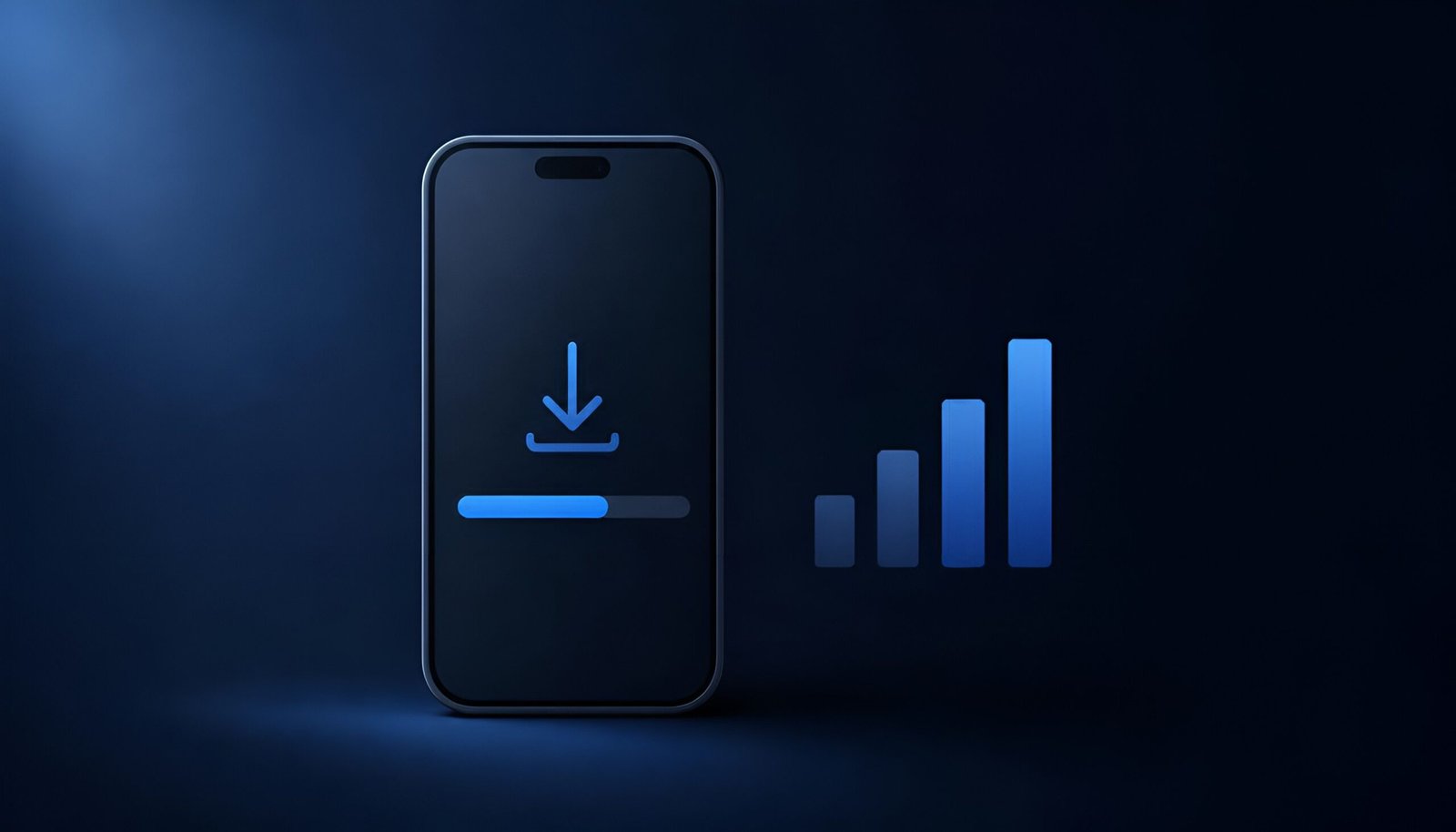
If your iPhone won’t download update over cellular, you’re not imagining it, and it’s not a settings problem on your end. Apple confirmed a real bug in iOS 26.6.1 and earlier that blocked software updates from downloading over a cellular connection, forcing you onto Wi-Fi even for small updates. iOS 26.6.2, released September 8, fixes exactly this and nothing else.
Why iPhone Won’t Download Update Over Cellular in the First Place
The bug affected the update download process specifically when your iPhone tried to pull the update over cellular data rather than Wi-Fi. Depending on your device, this either failed silently, got stuck at 0% or a low percentage indefinitely, or threw a generic “unable to check for update” error that had nothing to do with your actual internet connection.
Apple’s own release notes for 26.6.2 confirm this was the only fix in the update. No security patches, no other bug fixes, no new features. It’s a single-purpose release, and Apple’s official iOS 26 update page lists it exactly that way.
How to Fix iPhone Won’t Download Update Over Cellular
- Connect to Wi-Fi first, since the update-over-cellular bug is exactly what you’re trying to get past
- Go to Settings – General – Software Update
- Download and install iOS 26.6.2 if it isn’t already applied
- Once installed, cellular downloads for future updates should work normally again
If you don’t have Wi-Fi access right now and genuinely need to update over cellular, this specific update is the one exception where you’re stuck waiting for Wi-Fi at least once. The fix itself has to come through before cellular downloads work again.
Why iPhone Users Should Fix This Before iOS 27 Arrives
iOS 27 is expected within the next one to two weeks, and major version updates are typically large downloads. If you’re still on iOS 26.6.1 or earlier when iOS 27 drops, you could hit this exact bug again, except this time trying to pull a much bigger file. Updating to 26.6.2 now, while you likely have Wi-Fi available and no time pressure, avoids getting stuck the moment iOS 27 actually arrives.
Which Devices Are Affected
iOS 26.6.2 is available for iPhone 11 and newer. iPadOS 26.6.2 shipped the same day with the identical fix for affected iPad models. This specific bug and fix don’t apply either way if your device is older than iPhone 11 and no longer receives iOS 26 updates.
Frequently Asked Questions
Is iOS 26.6.2 a security update?
No. Apple’s security release notes show no published CVE entries for this version. It exists purely to fix the cellular download bug, not to patch vulnerabilities.
Why did my update only fail over cellular and not Wi-Fi?
The bug was specific to how the update process handled cellular connections during the download step. Wi-Fi downloads used a different path that wasn’t affected, which is why switching to Wi-Fi was the only reliable workaround before this fix.
Do I need to do anything special to get iOS 26.6.2?
No. It installs through the normal Settings – General – Software Update path like any other update. The only requirement is a Wi-Fi connection for this specific installation, since it’s fixing the very bug that would otherwise block it over cellular.
Final Thoughts
This is a small, single-bug update, but the timing matters. Getting it installed now over Wi-Fi means you won’t be stuck the moment iOS 27 releases and everyone’s trying to download several gigabytes at once. If your iPhone won’t download update over cellular right now, this is the fix. There’s no reason to wait for a bigger, more urgent moment to apply it.
If you’re locking down your iPhone while you’re at it, our guide on iPhone ad and tracker blockers covers a related setup step worth doing in the same sitting.
Confirmed via Apple’s iOS 26.6.2 release notes and coverage from MacRumors, 9to5Mac, and AppleInsider – Updated September 2026