If you’re looking for the best Vietnam travel apps before your trip, start here. Vietnam moves fast. The streets are busy, the language is tonal and nothing like anything you’ve heard before, the menus are often Vietnamese-only, and first-time visitors can run into the occasional overpriced taxi fare if they’re not careful.
The good news: every single one of these problems has a clean app-based solution. With the right five apps on your phone, you arrive prepared – not overwhelmed. All five are free or freemium, all work without a Vietnamese phone number, and all are available for Android and iPhone.
Set these up before you land. Grab and Klook both benefit from account registration on home Wi-Fi. Google Translate’s offline Vietnamese pack should also be downloaded before you go – it’s essential when you’re somewhere without signal.
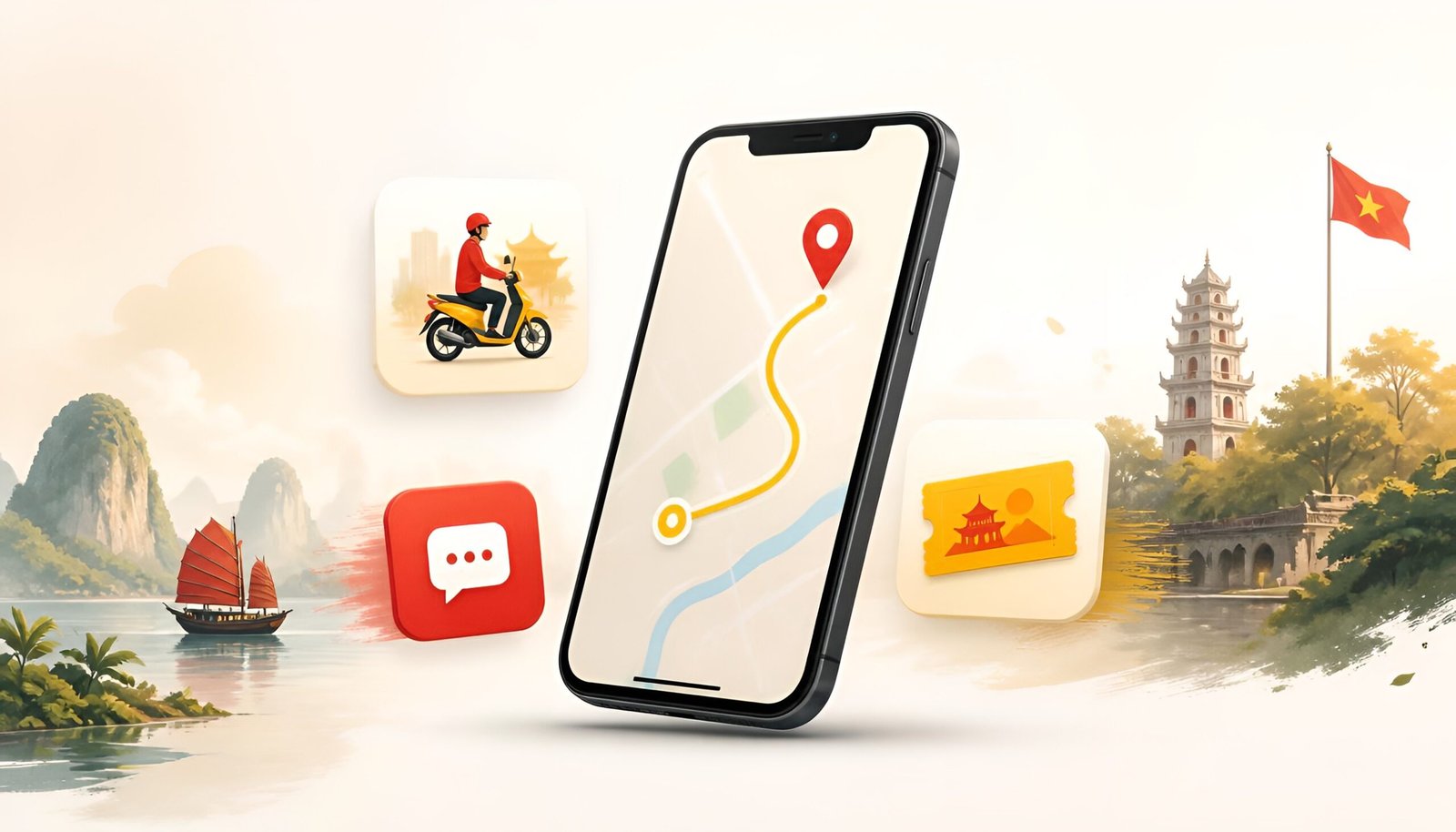
The 5 essential Vietnam travel apps:
- Grab – taxis, motorbikes, and food delivery with fixed prices
- Google Maps – navigation that works reliably across Vietnam
- Google Translate – read Vietnamese menus, signs, and anything else
- Zalo – how Vietnam actually communicates
- Klook – book tours, activities, and attractions at better prices
App 1: Grab – The App That Solves Vietnam’s Taxi Problem
If you’ve heard travel tips about Vietnam before, you’ve probably heard about occasional taxi overcharging. Meters that run suspiciously fast, drivers who claim not to have change, unmetered rides that end with a “negotiation” at your destination. It happens most often in tourist-heavy areas of Ho Chi Minh City and Hanoi.
Grab eliminates all of it. Fixed price before you confirm. No meter, no negotiation, no surprises. The driver knows where you’re going before they pick you up. Payment goes through the app – or you can pay cash if you prefer.
Beyond taxis, Grab in Vietnam also covers GrabBike (motorbike taxis – faster and cheaper for short solo trips), GrabCar (air-conditioned private car), and GrabFood (delivery to your hotel). One app handles most of your daily transport and food needs.
Download Grab – Android Download Grab – iPhone
How to set up Grab as a foreigner
- Download Grab and sign up with your email and foreign phone number
- Add your foreign credit card – Visa and Mastercard both work
- Allow location access
- Set your pickup point and type your destination in English
- Choose GrabBike for short solo trips, GrabCar for comfort or groups
- Confirm the fixed fare and wait for your driver
GrabBike tip: In Vietnamese city traffic, a GrabBike is often twice as fast as a car for distances under 5km. It costs a fraction of GrabCar. If you’re comfortable on the back of a motorbike, it’s the most efficient way to get around Ho Chi Minh City and Hanoi during peak hours.
App 2: Google Maps – Navigation That Works in Vietnam
Unlike South Korea, Google Maps works well in Vietnam. Walking directions, driving routes, restaurant reviews, and opening hours are all reliable and regularly updated. Most tourists use it as their primary navigation tool throughout the trip without any issues.
The one limitation: Google Maps doesn’t integrate with Grab for ride-hailing. Use Maps for navigation and orientation, and Grab separately for booking transport.
Download Google Maps – Android Download Google Maps – iPhone
Essential setup for Vietnam
- Download offline maps before you go – search “Ho Chi Minh City” or “Hanoi” then tap Download. Vietnam has some areas with weak coverage, and beach or rural destinations often have spotty signal
- Save your accommodation – pin your hotel or guesthouse so you can always navigate back
- Check restaurant reviews carefully – Google Maps restaurant reviews in Vietnam are generally reliable, though tourist-area spots often have inflated ratings. Look for places with many Vietnamese-language reviews alongside English ones
App 3: Google Translate – Your Vietnamese Menu Decoder
Vietnamese is a tonal language with six tones and a writing system that, while using Latin characters, is decorated with diacritical marks that completely change meaning. Most tourists can’t read a word of it – and most local restaurants, street food stalls, and markets don’t have English menus.
Google Translate’s camera feature solves this instantly. Point your phone at any Vietnamese text and get an English translation overlaid on the screen in real time. Works on menus, signs, product labels, bus destination boards, and anything else.
Download Google Translate – Android Download Google Translate – iPhone
Download Vietnamese offline pack
- Open Google Translate
- Tap the three dots (⋮) then Settings then Offline translation
- Find Vietnamese and tap Download
- Translation now works without internet – essential for street food markets and rural areas
Pro tip: Vietnamese tonal translations aren’t always perfect – a small diacritical difference can change meaning completely. For food orders, show the Vietnamese text translation on your screen to the vendor rather than trying to pronounce it yourself.
App 4: Zalo – How Vietnam Actually Communicates
WhatsApp is used in Vietnam – particularly by hotels, tour guides, and businesses catering to international visitors. But among locals, the dominant messaging app is Zalo, Vietnam’s homegrown platform with more than 81 million monthly active users as of 2026.
You’ll run into Zalo when a local restaurant gives you their contact, when a motorbike rental owner wants to stay in touch, or when a guesthouse owner sends you check-in instructions. Having Zalo means you can actually receive and respond to these messages – and it also works for free calls and video calls, making it a solid alternative to WhatsApp for staying in touch with people you meet in Vietnam.
Download Zalo – Android Download Zalo – iPhone
How to set up Zalo as a foreigner
- Download Zalo and open it
- Tap Sign up and enter your foreign phone number with country code
- Verify with the SMS code sent to your phone
- Set your display name
- You’re in – locals can now find you by your phone number
Note: Zalo’s interface defaults to Vietnamese. Go to Settings then Language and switch to English after setup.
App 5: Klook – Book Tours and Activities at Better Prices
Vietnam has incredible things to do – Halong Bay cruises, Mekong Delta day trips, cooking classes in Hoi An, motorbike tours through mountain passes. Booking these at the venue or through a hotel concierge is almost always more expensive than booking in advance through Klook.
Klook aggregates tours, activities, and attraction tickets across Vietnam and 100+ countries, with transparent pricing, verified reviews, and instant confirmation. Many tickets are discounted versus the official price, and your vouchers are stored in the app – just show your phone at the entry point.
Download Klook – Android Download Klook – iPhone
Popular Vietnam activities on Klook:
- Halong Bay overnight cruise (compare operators and read reviews before booking)
- Mekong Delta day trip from Ho Chi Minh City
- Vietnamese cooking class in Hoi An
- Cu Chi Tunnels guided tour
- Hue Imperial City entrance tickets
Vietnam Travel Apps Quick Comparison
| App | What it does | Foreign number OK? | Works offline? |
|---|---|---|---|
| Grab | Taxis, bikes, food delivery | Yes | Needs data |
| Google Maps | Navigation, places, reviews | Yes | With download |
| Google Translate | Vietnamese menus and signs | Yes | With download |
| Zalo | Chat with locals and businesses | Yes | Needs data |
| Klook | Tours, activities, tickets | Yes | Tickets saved in app |
Bonus: Cash vs Cards in Vietnam
Vietnam is still predominantly cash-based. While Grab accepts foreign cards, most street food stalls, local markets, and smaller restaurants are cash-only. Vietnamese Dong (VND) is the currency – the exchange rate makes the numbers large (1 USD is approximately 26,300 VND as of 2026), so a currency calculator app is useful to avoid confusion.
Practical tips:
- Withdraw VND from ATMs – available everywhere in cities. Expect a fee of 30,000-60,000 VND per withdrawal regardless of amount – withdraw larger amounts less frequently
- Agribank and Vietcombank ATMs have the lowest fees and highest withdrawal limits for foreign cards
- Keep small bills (10,000-50,000 VND) for street food and market purchases
- Wise or Revolut cards can minimize foreign transaction fees on ATM withdrawals
Frequently Asked Questions
Is Uber available in Vietnam?
No. Uber exited Vietnam in 2018 when it merged its Southeast Asia operations with Grab. Grab is the dominant ride-hailing service in Vietnam. There are also local alternatives like Be (Vietnamese-owned) and Xanh SM, but Grab has the most drivers and widest coverage.
Do I need a Vietnamese SIM card for these apps to work?
No. All five apps work with your home SIM or an international eSIM. However, having data is important – Grab, Zalo, and Klook require internet. Google Maps and Translate work offline after downloading. A local Vietnamese SIM is available at the airport for around 100,000-200,000 VND ($4-8) for 30 days of data – a worthwhile investment for a longer trip.
Does Grab work everywhere in Vietnam?
Grab works reliably in Ho Chi Minh City, Hanoi, Da Nang, Hoi An, Hue, Nha Trang, and most major cities. In very rural areas or smaller towns, Grab coverage is limited – local taxis or motorbike taxis are the alternative.
Is Vietnam safe for tourists?
Vietnam is generally very safe for tourists. Petty theft (bag snatching from motorbikes) can occur in busy city areas – keep bags on the inside away from the road. The main daily frustration is the occasional transport overcharge, which Grab eliminates entirely for most situations.
Can I use Facebook in Vietnam?
Yes. Facebook is widely used in Vietnam and many local businesses – restaurants, guesthouses, tour operators – maintain active Facebook pages. It’s a useful complement to Zalo for connecting with Vietnamese businesses and locals.
Final Thoughts on Vietnam Travel Apps
Vietnam rewards travelers who arrive prepared. The country is extraordinary – the food alone is worth the trip – and having the right tools makes the logistics easy. Grab handles transport smoothly. Google Maps and Translate handle navigation and language. Zalo connects you with locals. Klook saves you money on experiences.
These five Vietnam travel apps cover transport, navigation, language, communication, and bookings – everything you need for a smooth trip. Download all five before you board, and you’ll spend your time experiencing Vietnam – not troubleshooting logistics. If Vietnam is one stop on a longer Southeast Asia trip, our guide to essential Thailand travel apps covers the same setup for the other side of the trip.