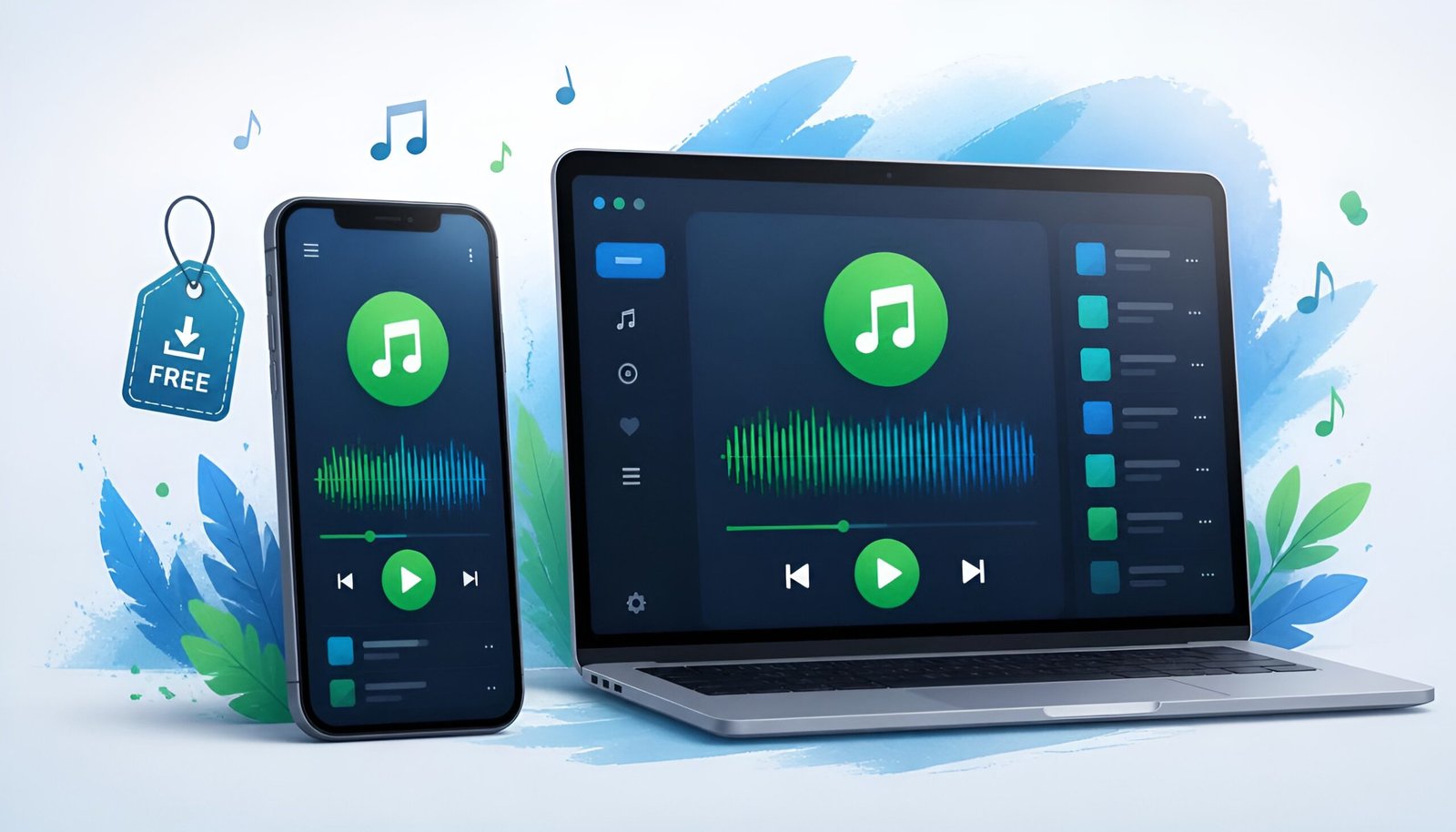
Spotify Free lets you access over 100 million songs at no cost. That’s genuinely remarkable for $0, but there are real limits on mobile you should know about.
On mobile, you can’t pick specific songs, you get shuffle play. Ads appear every few songs. You can’t download music to listen offline. On desktop and in the browser, the experience is better, you can play any song you want.
Whether the free plan is enough depends entirely on how you listen. This guide covers exactly what you get, what Premium adds, and how to download Spotify on every device.
Download Spotify Free – All Platforms
Windows
Download Spotify for Windows – Free
Works on Windows 10 and 11. Also available on the Microsoft Store. The desktop app lets you play any song on the free plan, the shuffle-only restriction only applies to mobile.
Mac
Download Spotify for Mac – Free
Works on macOS 11 or later. Runs natively on Apple Silicon (M1/M2/M3/M4). Same full desktop experience as Windows.
iPhone
Download Spotify for iPhone – Free
Free on the App Store. On the free plan, mobile playback is shuffle-only for playlists and albums. You can play any podcast episode and any song in Spotify’s free “Daily Mix” and radio stations.
Android
Download Spotify for Android – Free
Free on Google Play. Same experience as iPhone on the free plan.
Browser – No Download Needed
Spotify works in any browser at open.spotify.com. Full desktop experience, play any song, browse any playlist. No installation required.
Spotify Free – What You Actually Get
The free plan is more useful than most people expect, with one significant limitation on mobile.
What works on the free plan:
- Access to 100+ million songs
- Any song you want on desktop and browser
- All podcasts, full episodes, any order
- Curated playlists and Daily Mixes
- Collaborative playlists with friends
- Spotify Connect, control playback across devices
- Spotify Wrapped at year end
What’s limited on the free plan:
- Mobile: shuffle-only for albums and playlists (can’t pick specific songs)
- Ads, roughly 30 seconds every 2-3 songs
- No offline downloads
- Audio quality capped at 160kbps on mobile (Premium offers 320kbps)
- Can’t skip unlimited songs on mobile (limited skips per hour)
The desktop workaround: If shuffle-only on mobile bothers you, use Spotify on your laptop or desktop instead. The free plan on desktop lets you play any song in any order, no shuffle required. For listening at home or at a desk, the free plan is genuinely full-featured.
Spotify Premium – What It Adds
Premium costs $12.99/month (individual), $18.99/month (duo), or $21.99/month (family, up to 6 accounts). The student plan is $6.99/month.
What Premium adds:
- Play any song on mobile, no shuffle restriction
- No ads
- Download up to 10,000 songs per device for offline listening
- Higher audio quality (up to 320kbps)
- Unlimited skips
- AI DJ with personalized commentary
- Offline mode for podcasts
Whether it’s worth $13/month comes down to one question: does the shuffle-only restriction on mobile bother you enough to pay for it? If you mainly listen on desktop or don’t mind shuffle, the free plan is fine. If you want specific songs on your phone during commutes or workouts, Premium is hard to avoid.
Spotify Free vs Premium – Side by Side
| Feature | Free | Premium ($12.99/mo) |
|---|---|---|
| Songs available | 100M+ | 100M+ |
| Play any song (desktop) | Yes | Yes |
| Play any song (mobile) | No – shuffle only | Yes |
| Ads | Yes | No |
| Offline downloads | No | Up to 10,000 songs |
| Audio quality | Up to 160kbps | Up to 320kbps |
| Podcasts | Full access | Full access + offline |
| Price | $0 | $12.99/month |
Free Alternatives to Spotify
If Spotify’s free plan limitations frustrate you but Premium doesn’t appeal, these are worth considering.
YouTube Music (Free) – Google’s music streaming service. Free tier includes all songs with ads. The advantage over Spotify Free: on mobile, you can play specific songs (not shuffle-only) as long as you have the screen on. The disadvantage: screen must stay on for music playback on the free plan.
Amazon Music (Free with Prime) – If you already pay for Amazon Prime, you get Amazon Music at no extra cost. The catalog is smaller than Spotify but covers most mainstream music.
Apple Music (3-Month Free Trial) – Full Premium-equivalent experience free for 3 months. After that it’s $10.99/month. Worth using the trial if you want a taste of ad-free, any-song-any-time listening before deciding.
Deezer (Free Tier) – Similar to Spotify Free. Shuffle-only on mobile, ads on all platforms. Smaller user base but comparable catalog.
Frequently Free FAQ
Is Spotify actually free or do you have to pay?
Spotify is genuinely free to use. You can download it on any device and start listening without entering payment information. The free plan has limitations, ads and shuffle-only on mobile, but it never expires and never requires a credit card unless you choose to upgrade to Premium.
Can I listen to any song for free on Spotify?
On desktop and in the browser, yes, you can play any song in any order for free. On mobile, the free plan restricts you to shuffle play for albums and playlists. You can still choose specific songs from Spotify’s curated playlists like Daily Mix and Discover Weekly.
How do I get Spotify Premium for free?
New users get a free trial of Spotify Premium, typically 1-3 months depending on current promotions. Check the Spotify website for the current trial offer. Student accounts get a discounted rate of $6.99/month with a valid student email. Spotify also occasionally runs promotional offers through partner brands.
Does Spotify work without internet?
The free plan requires an internet connection. Spotify Premium lets you download up to 10,000 songs per device for offline listening. Downloaded music is available without internet until you go 30 days without connecting, at which point Spotify requires a reconnect to verify your subscription.
What’s the difference between Spotify on desktop vs mobile for free users?
The desktop app and browser version of Spotify offer a significantly better free experience. On desktop, you can play any song in any order, with unlimited skips, and ads are less frequent. On mobile, free users get shuffle-only playback for most content and limited skips. If you don’t mind using your laptop or PC for music, the free desktop plan is very usable.
Final Thoughts
Spotify Free is worth downloading regardless of whether you plan to pay. The desktop experience is genuinely good, any song, any order, no shuffle restriction. The mobile experience is the trade-off: shuffle-only and ads are real limitations for commutes and workouts.
Try the free plan first. If the mobile shuffle restriction bothers you after a week, the Premium trial is a fair way to test whether it’s worth the cost. And if you decide to cancel Premium later, our guide on canceling Spotify Premium walks you through it.