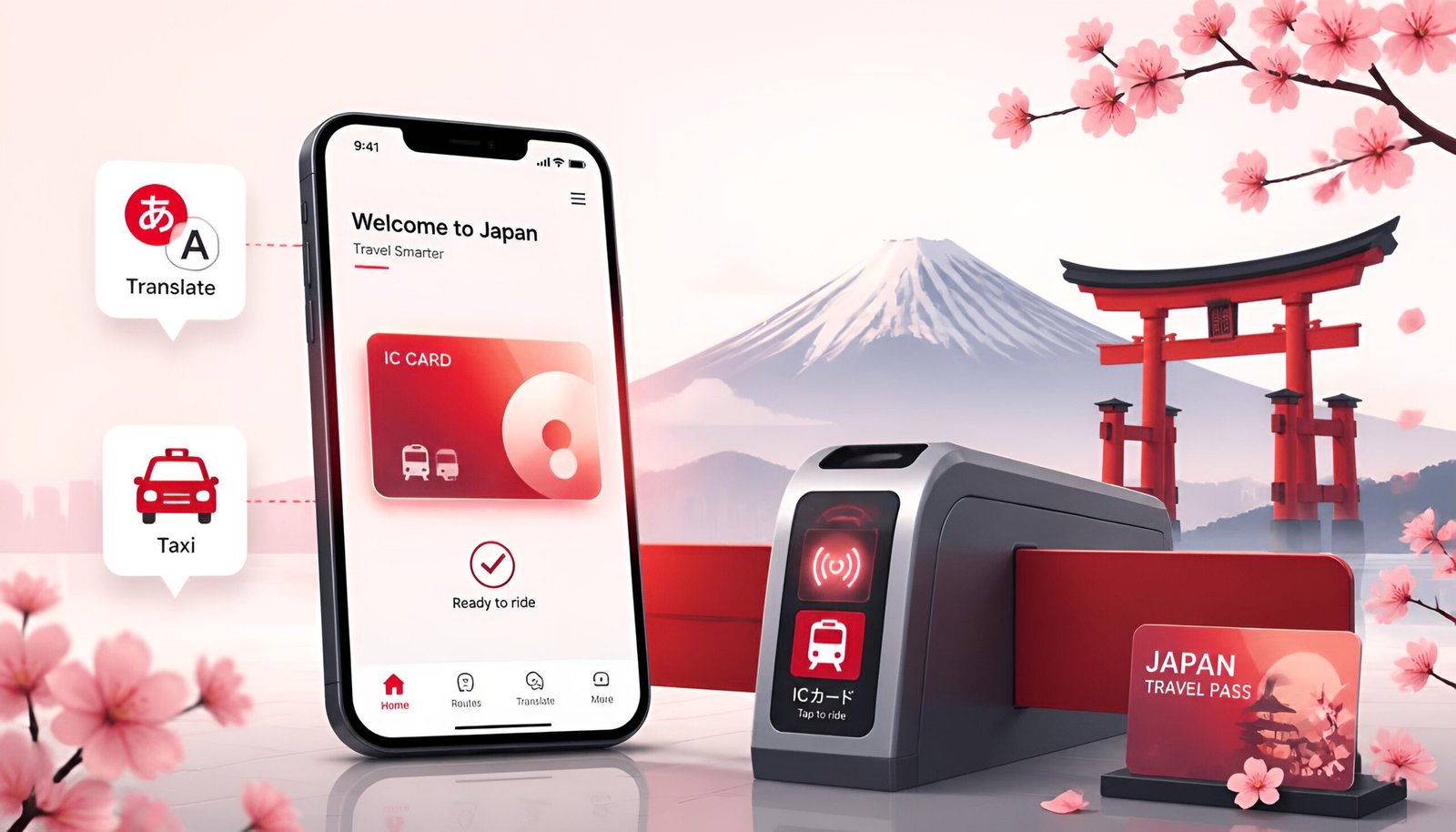
Looking for the best Japan travel apps before your trip? You’ve booked the flights. You’ve got a rough itinerary. And then someone tells you: “Japan is incredible, but the train system will break your brain.”
They’re not wrong – Tokyo alone has over 280 train stations across 13 lines. But here’s the thing: with the right apps on your phone, navigating Japan becomes genuinely easy. Not “manageable” – actually easy. The right five apps handle transit, translation, taxis, payment, and emergencies. All free. All working without a Japanese phone number.
This guide covers exactly what to download, how to set each one up, and what each app does that nothing else can replace.
Download these before you board. Several apps (especially Suica and Google Translate offline packs) work better when set up at home on a stable Wi-Fi connection. Don’t leave this for the airport.
The 5 essential Japan travel apps:
- Suica (IC Card) – cashless transit and payments
- Google Maps – navigation and train routes
- Google Translate – menus, signs, real-time conversation
- GO Taxi – taxi hailing in English
- Safety Tips – earthquake and emergency alerts
App 1: Suica – Your All-in-One Transit and Payment Card
If you only download one of these Japan travel apps before going, make it this one.
Suica is Japan’s most widely used IC (transit) card – the equivalent of London’s Oyster card or Hong Kong’s Octopus card. It works on virtually all trains, subways, and buses across Japan. But what makes it special: it also works at convenience stores, vending machines, taxis, and many restaurants as a contactless payment method.
iPhone users – Welcome Suica Mobile App (Recommended)
iPhone users have the easiest setup. The Welcome Suica Mobile app is designed specifically for foreign tourists – English interface, accepts foreign credit cards, no Japanese account needed.
Download Welcome Suica Mobile – iPhone
- Download Welcome Suica Mobile from the App Store
- Open the app and follow the English setup
- Add money using your foreign Mastercard or Visa via Apple Pay
- The card is added to your Apple Wallet automatically
- Hold your iPhone near any train gate reader – tap and go
Set this up before you leave home. Welcome Suica Mobile is valid for 180 days. You can load money from your home country and walk straight through the gate the moment you land – no queuing at airport machines.
Android users – Buy a physical Suica card on arrival
Unfortunately, digital Suica is not available for most Android phones purchased outside Japan. Japan’s transit system uses FeliCa chip technology, which is only built into phones sold in the Japanese market. International Android models (Samsung, Pixel, Xiaomi, etc.) do not support it.
The solution is simple: buy a physical Suica card when you arrive.
- Available at any JR ticket machine at Narita or Haneda airport – select English on the screen
- Also sold at CU, GS25, and 7-Eleven convenience stores throughout Japan
- Card costs ¥500 (refundable deposit) + however much you load
- Works identically to the digital version – tap at gates, pay at stores
How much to load: A single Tokyo subway ride costs ¥170-¥320. For a one-week trip with daily transit, loading ¥5,000-¥10,000 (about $35-$70) is a comfortable starting amount. Top up at any station machine or convenience store.
App 2: Google Maps – The Best Navigation App for Japan
Google Maps works well in Japan – walking directions, real-time train routes with platform numbers, station exit numbers, and current hours for restaurants and attractions are all accurate and reliable.
The feature that makes it essential: it shows which exit to take at train stations. This sounds minor until you’re inside Shinjuku Station – the world’s busiest station with over 200 exits – and you need to find Exit B14 to reach your hotel.
Download Google Maps – Android Download Google Maps – iPhone
Essential Google Maps setup for Japan
- Download offline maps before you go – open Maps, search “Tokyo,” tap Download. Works without mobile data when you’re underground or in rural areas
- Save your hotel and key destinations – tap the star icon on any place to save it. Saved places work offline
- Use “Transit” mode – shows train lines, costs, and exact platform information
Pro tip: When Google Maps shows a train route, pay attention to the final destination name of the train – not just the line name. Japanese trains on the same line sometimes go to different terminals. Board the wrong direction and you’ll add 20 minutes to your journey.
App 3: Google Translate – Read Menus, Signs, and Anything Else
Japan is a country where you’ll encounter Japanese text constantly – restaurant menus, vending machines, street signs, hotel instructions, product labels. Google Translate’s camera feature turns your phone into an instant translator: point, shoot, read.
Download Google Translate – Android Download Google Translate – iPhone
Three features you’ll actually use in Japan
Camera translate (most useful): Open Translate then tap the camera icon then point at any Japanese text. The app overlays an English translation in real time, directly on the image. Works on menus, signs, vending machine buttons, anything.
Conversation mode: Tap the microphone then speak English then the app translates to Japanese audio. The other person speaks Japanese then the app translates back to English. Useful when asking for directions or help at a store.
Offline translation: Before you leave, download the Japanese language pack inside the app. This lets you translate without mobile data – essential for restaurant menus when you’re on basement level without signal.
How to download offline Japanese pack
- Open Google Translate
- Tap the three dots (⋮) then Settings then Offline translation
- Find Japanese and tap Download
- Done – translation works without internet from this point
App 4: GO Taxi – Hail a Taxi in Japan Without Speaking Japanese
Japan has plenty of taxis, but hailing one on the street and explaining your destination in English is stressful. GO is Japan’s leading taxi app and works entirely in English – it has far better coverage than Uber in Japan.
Type your destination in English, the app finds a nearby taxi, and the driver already knows where to go before they arrive. No pointing at maps. No language barriers. The fare is charged to your card automatically when you arrive.
Download GO Taxi – Android Download GO Taxi – iPhone
How to use GO Taxi as a foreigner
- Download GO and open it
- Register with your email address and foreign phone number
- Add your foreign credit card for in-app payment (Visa and Mastercard accepted)
- Set your pickup location (GPS auto-detects)
- Type your destination in English
- Tap “Call Taxi” – a driver accepts and comes to you
- The fare is charged to your card automatically on arrival
GO covers major cities including Tokyo, Osaka, Kyoto, Sapporo, Fukuoka, and many more.
When to use GO vs train: Trains are almost always faster and cheaper in Japanese cities. Use GO for late-night travel after trains stop (around midnight), for trips with heavy luggage, or when heading somewhere not easily accessible by train.
App 5: Safety Tips – Japan’s Official Tourist Emergency App
Japan experiences thousands of earthquakes every year. Most are too small to feel, but significant ones happen without warning. Safety Tips is the official emergency alert app from the Japan Tourism Agency – built specifically for foreign tourists.
When an earthquake, tsunami warning, typhoon, or other emergency is issued, the app sends an immediate push notification in English (and 13 other languages) with what’s happening and what to do.
Download Safety Tips – Android Download Safety Tips – iPhone
Setup is simple: download, open, select English, and allow notifications. That’s it. The app runs silently in the background and only activates when there’s an actual emergency.
Most visitors to Japan never need it. But the ones who do are very glad they have it.
Japan Travel Apps Quick Comparison
| App | What it does | iPhone | Android |
|---|---|---|---|
| Suica | Transit + payments everywhere | App available | Physical card only |
| Google Maps | Navigation, train routes, exits | Yes | Yes |
| Google Translate | Menus, signs, conversation | Yes | Yes |
| GO Taxi | Taxi hailing in English | Yes | Yes |
| Safety Tips | Earthquake and emergency alerts | Yes | Yes |
More Japan Travel Apps Worth Downloading
Japan Official Travel App – Made by the Japan Tourism Agency. Includes sightseeing guides, transportation info, Wi-Fi spot finder, and emergency info. Completely free and works in English.
Jorudan (Japan Transit Planner) – More detailed train route planning than Google Maps, especially useful for Shinkansen and regional trains. Shows exact platform numbers and transfer details.
Tabelog – Japan’s most trusted restaurant review app. Ratings are strict – a 3.5 out of 5 is considered excellent. Useful for finding where locals actually eat, not just tourist-facing restaurants.
Japan Travel Apps – Frequently Asked Questions
Do I need a Japanese SIM card to use these apps?
No. All five apps work with your home SIM or an international eSIM. However, GO Taxi and real-time Google Maps require a data connection. Download offline maps and translate packs before you go to reduce data dependency.
Can I use my foreign credit card in Japan?
Japan remains heavily cash-based, but the situation is improving. With a digital Suica on iPhone or a physical Suica card, you can handle most transit and convenience store purchases without cash. Major hotels, department stores, and tourist-facing restaurants accept international cards. Always carry some yen as backup for smaller restaurants and local shops.
Is Uber available in Japan?
Uber operates in Japan but with significant limitations – it works through licensed taxi companies, not private drivers, and coverage is limited. GO Taxi has a much larger network and is the preferred taxi app for both locals and tourists across Japan.
Do these apps work outside Tokyo?
Yes. Suica works nationwide on JR trains and most local transit. Google Maps and Translate work everywhere. GO Taxi covers major cities including Osaka, Kyoto, Sapporo, Nagoya, and Fukuoka, though coverage is thinner in rural areas.
Is Japan safe for tourists?
Japan consistently ranks as one of the safest countries in the world for tourists. The main safety consideration is natural disasters – earthquakes and typhoons – which is exactly why the Safety Tips app is worth having.
Final Thoughts on the Best Japan Travel Apps
Between transit, translation, taxis, and safety alerts, these Japan travel apps cover almost every situation a first-time visitor runs into.
Japan rewards prepared travelers. The country is extraordinary – the food, the trains, the culture, the sheer attention to detail everywhere you look – but it can feel overwhelming without the right tools.
These five Japan travel apps remove the biggest friction points: getting around, reading Japanese, catching a taxi, paying without cash, and knowing what to do in an emergency. Download them before you board, set them up on Wi-Fi, and you’ll hit the ground running the moment you land at Narita or Haneda. Heading to Korea on the same trip? Our guide to using Kakao T in Korea covers the equivalent taxi setup there.