The Fee You Need to Know About Before You Cancel
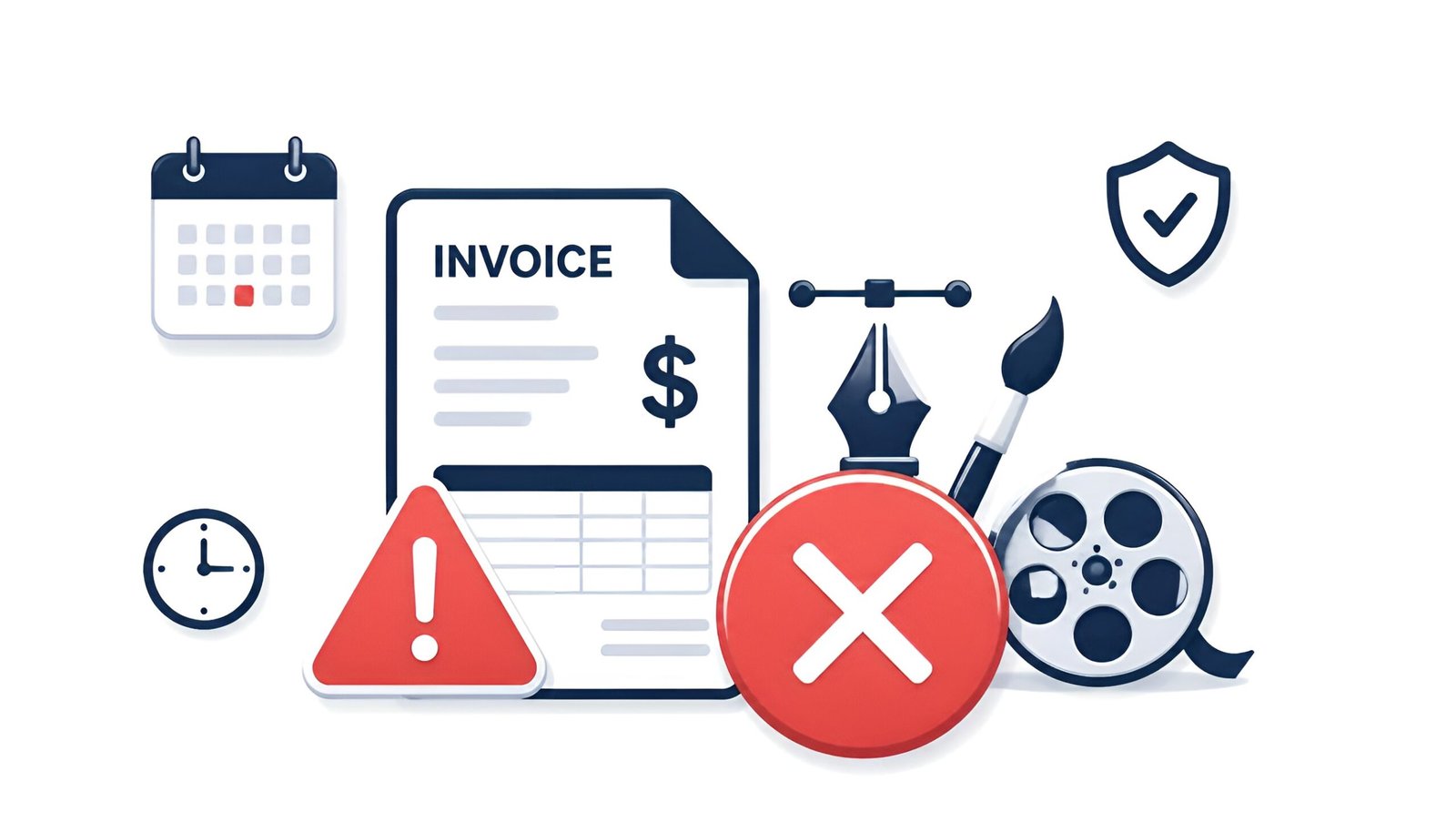
If you’re trying to cancel Adobe Creative Cloud, you need to know about the fee first. Adobe Creative Cloud costs $54.99/month for the full suite. But the bigger problem is how Adobe structures its plans.
The default plan is “Annual, paid monthly” – meaning you committed to 12 months even though it feels like a monthly subscription. If you cancel after the first 14 days on this plan, Adobe charges an early termination fee of 50% of your remaining contract balance. Cancel in month 3 of a 12-month plan and you owe around $270.
Here’s how to avoid that.
Check your plan type first. Sign in at account.adobe.com/plans. Look for “Annual, paid monthly” (has a fee) vs “Month-to-month” (no fee) vs “Annual, paid upfront” (no monthly fee but no refund for remaining months). The cancellation rules are completely different for each.
2026 update – you may already be owed money: In March 2026, Adobe agreed to a $150 million settlement with the U.S. government over hidden early termination fees. As part of the deal, Adobe must now clearly disclose the fee before you sign up, warn you before converting a free trial longer than 7 days, and make cancellation easier. If you’re currently on an annual-paid-monthly plan, or if you already paid an early termination fee, you may automatically receive free months or a refund – no claim form needed. Adobe is expected to contact eligible customers directly.
When You Can Cancel Adobe Creative Cloud for Free
Within 14 days of subscribing: Full refund, no fee. This is the cleanest exit. If you just signed up and realize it’s not right, cancel within 14 days.
Month-to-month plan: Cancel anytime with no early termination fee. You lose access at the end of the current billing month.
Annual plan paid upfront: No early termination fee, but no refund for the remaining months you paid for. You keep access until your annual period ends.
Annual plan paid monthly (most common): 50% early termination fee if you cancel before the 12 months are up.
How to Cancel Adobe Creative Cloud on an Annual Plan Without the Fee
Option 1 – Wait for your renewal date
Cancel in the last month of your annual commitment. No fee, full access until the end. Check your renewal date at account.adobe.com/plans.
Option 2 – Call and ask for a waiver
Adobe agents can sometimes waive the early termination fee for financial hardship or for long-term customers. Call 1-800-585-0774 or use Adobe live chat. It doesn’t always work, but it costs nothing to ask. Be polite and direct – explain your situation.
Option 3 – Switch to a cheaper plan first
Downgrade to a single-app plan (e.g., Photoshop only at $9.99/month) instead of canceling entirely. This starts a new annual commitment but at a much lower cost. Then cancel at the end of that year with no fee.
How to Cancel Adobe Creative Cloud
On the Adobe website (most common):
- Go to account.adobe.com/plans and sign in
- Find your Creative Cloud plan and click Manage plan
- Click Cancel plan
- Adobe shows retention offers – click Continue to cancel
- If on an annual plan, review the early termination fee amount shown
- Confirm cancellation
Retention offers: Adobe will show you discounts (sometimes 40-50% off) to stay. If you’re open to continuing at a lower price, these can be worth taking. If you truly want to cancel, click past them. A better offer sometimes appears at the final confirmation screen – wait for it before accepting the first one.
On iPhone (Apple billing):
- Settings – tap your name – Subscriptions
- Find Adobe Creative Cloud – Cancel Subscription
What Happens to Your Files When You Cancel
This is the part people worry about most.
- Cloud storage drops to 2GB. If you have more than 2GB in Creative Cloud storage, you have 30 days to download your files before Adobe may delete them.
- Lightroom photos are saved for 12 months after cancellation, giving you time to export.
- App files on your computer stay. Photoshop files, Illustrator files, Premiere projects – anything saved locally is untouched.
- Adobe apps stop working after your billing period ends. You can no longer open or edit files with Adobe software.
Before you cancel – do this:
- Download everything from Creative Cloud storage to your computer
- Export Lightroom catalog locally (File – Export as Catalog)
- Note any fonts you use from Adobe Fonts – they stop syncing after cancellation
Free Adobe Alternatives After Canceling
| Adobe App | Free Alternative | One-Time Alternative |
|---|---|---|
| Photoshop | GIMP, Photopea (browser) | Affinity Photo ($69.99) |
| Illustrator | Inkscape | Affinity Designer ($69.99) |
| Premiere Pro | DaVinci Resolve, CapCut | DaVinci Resolve Studio ($295) |
| Lightroom | darktable, RawTherapee | Capture One ($179/year) |
| InDesign | Canva (free tier) | Affinity Publisher ($69.99) |
Frequently Asked Questions
What is the Adobe early termination fee exactly?
If you’re on an annual plan paid monthly and cancel before the 12 months are complete, Adobe charges 50% of the remaining monthly payments. For example, cancel in month 4 of a $54.99/month plan and you owe 50% of the remaining 8 months ($54.99 x 8 x 50% = approximately $220).
Want your exact number instead of the example above? Plug in your dates on the subscription refund calculator.
Can I get a refund if I just signed up?
Yes – if you cancel within 14 days of your initial subscription, Adobe provides a full refund with no early termination fee. This is Adobe’s official policy regardless of plan type.
What if I can’t afford the termination fee right now?
Call Adobe support at 1-800-585-0774 and explain your financial situation. Agents have discretion to waive fees in hardship cases. This is not guaranteed but many users have reported success. Have your account details ready.
Am I owed money from Adobe’s 2026 settlement?
If you were on an annual-paid-monthly plan or paid an early termination fee, you may qualify for a free service period or refund under Adobe’s 2026 settlement with the U.S. government. No claim form is required – Adobe is expected to reach out to eligible customers directly. Keep an eye on the email associated with your Adobe account.
Canceling more than one subscription this month? Check out our guide on how to cancel Netflix too.