The One Thing That Trips Everyone Up
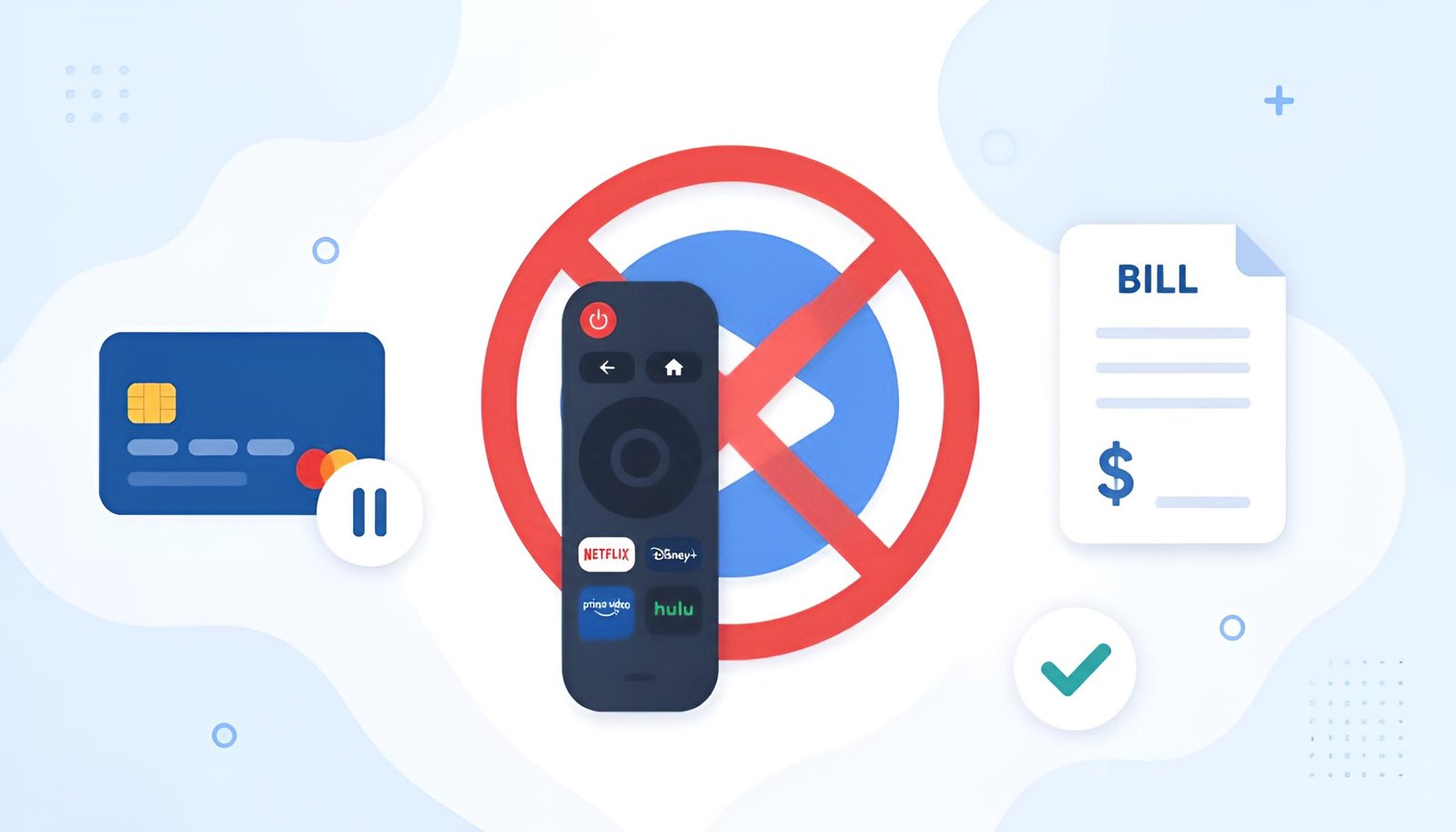
To cancel Netflix subscription properly, you have to cancel through whoever actually bills you – not just through the Netflix website.
If Netflix charges your credit card directly, cancel on Netflix.com. If you signed up through your iPhone, cancel through Apple. If you signed up through Google Play, cancel there. Deleting the app, signing out, or removing a profile doesn’t cancel anything and the charges keep coming.
Figure out who bills you first, then use the right method below.
Not sure who bills you? Check your bank or credit card statement. If the charge says “Netflix,” cancel on Netflix.com. If it says “Apple,” “Google Play,” “Roku,” “Amazon,” or a carrier name, use that method below.
Method 1: Cancel Netflix Subscription on Netflix.com (Most Common)
This works if Netflix charges your credit card, debit card, or PayPal directly.
- Go to netflix.com/cancelplan and sign in
- Click Finish Cancellation
- That’s it – you keep access until the end of your current billing period
Netflix may show you options to pause or downgrade instead. Ignore them if you want to cancel. The confirmation email is your proof – save it.
For security after canceling: go to netflix.com/password, change your password, and check “Sign out of all devices.” This removes access for anyone still using your account.
Method 2: Cancel Netflix on iPhone or iPad (Apple Billing)
If you signed up through the App Store, Apple handles billing, not Netflix. You must cancel through Apple.
- Open Settings on your iPhone or iPad
- Tap your name at the top
- Tap Subscriptions
- Find Netflix and tap it
- Tap Cancel Subscription
- Confirm
You keep access until the end of the current billing period. Apple sends a confirmation email automatically.
Method 3: Cancel Netflix on Android (Google Play Billing)
- Open the Google Play Store app
- Tap your profile picture in the top right
- Tap Payments and subscriptions
- Tap Subscriptions
- Find Netflix and tap it
- Tap Cancel subscription and confirm
Method 4: Cancel Netflix Billed Through Roku
- Press the Home button on your Roku remote
- Scroll to Netflix and press the * button
- Select Manage subscription
- Select Cancel subscription
Alternatively, go to my.roku.com on any browser, sign in, go to Manage account, find Netflix under subscriptions, and cancel from there.
Method 5: Cancel Netflix Billed Through Amazon
- Go to amazon.com and sign in
- Go to Account – Memberships and Subscriptions
- Find Netflix and click Cancel subscription
Method 6: Cancel Netflix Billed Through a Carrier (T-Mobile, Verizon, Comcast)
If your phone carrier or cable provider includes Netflix in your plan, you can’t cancel Netflix independently, you’d need to change your plan with your carrier instead. Contact your carrier’s customer service to remove Netflix from your package.
Should You Cancel or Pause?
Netflix lets you pause your membership instead of canceling – your profiles, viewing history, and watch list are preserved while billing stops temporarily.
| Option | What happens | Best for |
|---|---|---|
| Cancel | Access ends at billing cycle end. History saved 10 months. | Stopping permanently or for a long time |
| Pause | Billing stops for 1-3 months. Everything preserved. | Taking a break, traveling, busy period |
| Downgrade plan | Keep Netflix at lower cost ($7.99/mo with ads) | Cutting costs but keeping access |
To pause: go to netflix.com/cancelplan and choose Pause Membership instead of canceling. You can pause for 1 month at a time, up to 3 months total.
What Happens After You Cancel Netflix Subscription
- You keep access until the last day of your current billing period
- No partial refunds – if you cancel mid-cycle, you paid for that month
- Your viewing history, profiles, and preferences are saved for 10 months
- If you rejoin within 10 months, everything looks exactly as you left it
- After 10 months, your data is deleted permanently
Frequently Asked Questions
I canceled but I’m still being charged. What’s wrong?
You likely canceled through the wrong method. If Netflix charges your card directly but you canceled through Apple or Google Play, the Netflix billing continues. Check your bank statement to see exactly who charges you, then cancel through that specific method. Also check that you canceled the correct account – some households accidentally have two active Netflix subscriptions.
Does deleting the Netflix app cancel my subscription?
No. Deleting the app, signing out, or changing your password does not cancel your subscription. Billing continues regardless. You must cancel through Netflix.com or the platform that bills you.
Can I get a refund when I cancel Netflix?
Netflix generally does not provide refunds for partial months. If you cancel on day 2 of a 30-day billing cycle, you keep access for the remaining 28 days but don’t get a refund for those days. The exception is if Netflix made a billing error – in that case, contact Netflix support directly.
Want to see the exact number for your billing cycle? Try the subscription refund calculator.
Will I lose my watch history if I cancel?
No, not immediately. Netflix saves your viewing history, profiles, ratings, and “Continue Watching” list for 10 months after cancellation. If you rejoin within that window, everything is intact. After 10 months of inactivity, Netflix permanently deletes your data.
What’s the cheapest way to keep Netflix?
The Standard with Ads plan is $7.99/month, the least expensive option. It includes most of Netflix’s library with occasional ads. Some content (a small percentage) isn’t available on the ads plan due to licensing restrictions.
Looking to cut other unnecessary costs? Our guide on fixing a slow PC for free can help you get more life out of your current hardware instead of buying new.
Final Thoughts
Canceling a Netflix subscription takes about 3 minutes once you know where to go. The most important step is finding out who bills you – Netflix directly, Apple, Google Play, Roku, or Amazon – and canceling through the right place.
Go to netflix.com/cancelplan if Netflix bills you directly. Done.