Why Singapore Is Easy to Navigate – With the Right Apps
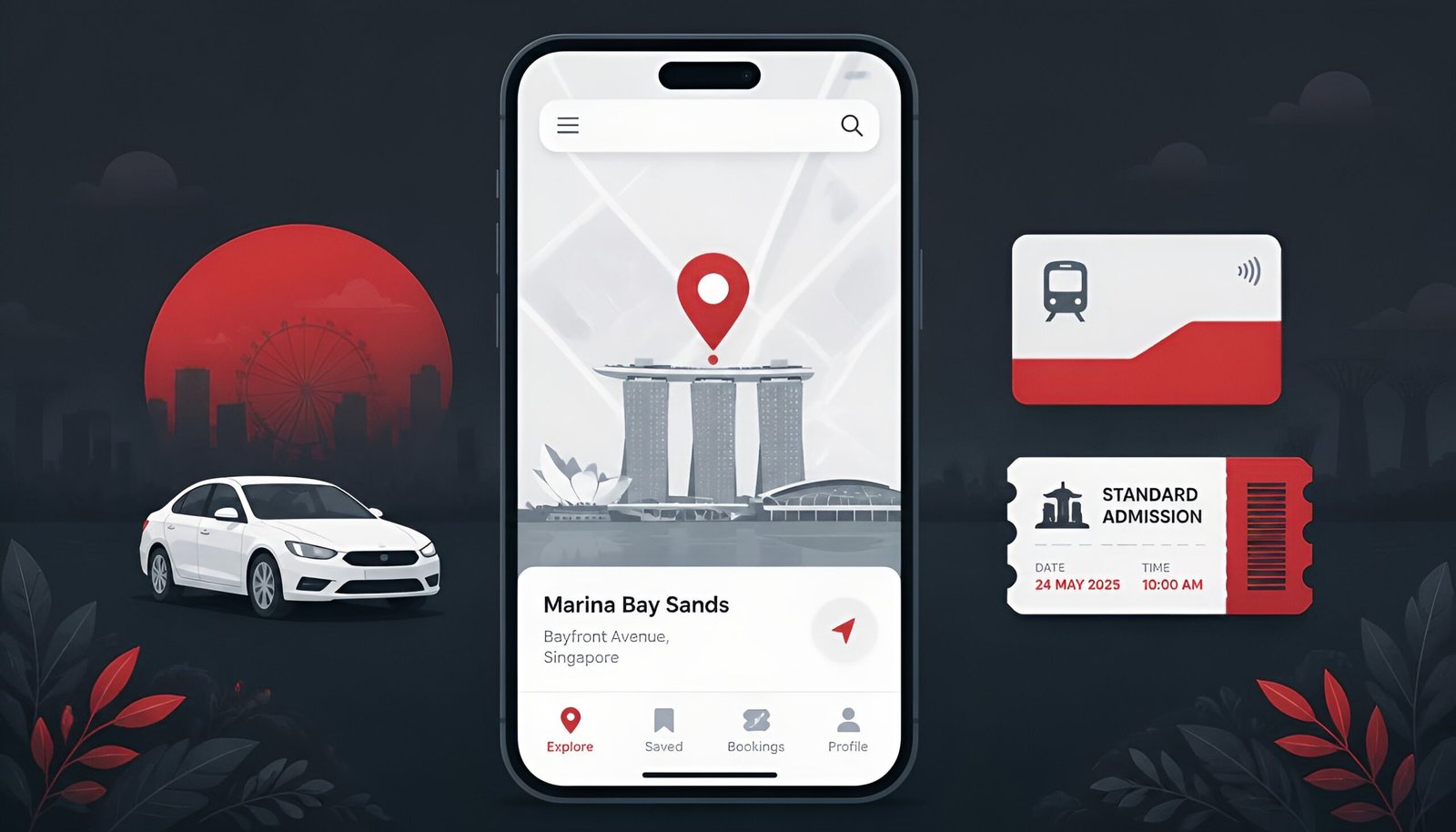
The right apps for Singapore tourists make an already easy city even easier. Singapore is one of the most tourist-friendly cities in the world. Almost everyone speaks English. Signs are in English. The MRT is clean, fast, and air-conditioned.
But a few things catch first-time visitors off guard. Uber doesn’t operate here – it merged with Grab in 2018. Taxis can be hard to hail on the street during rain or rush hour. And if you try to buy an EZ-Link transit card at the airport, you might not need to.
These five apps for Singapore tourists solve all of that before you land.
Download these before you board. Set up Grab at home – it needs account registration and a payment method added in advance. SimplyGo links to your credit card automatically. Both are easier to set up on a fast Wi-Fi connection before you travel.
The 5 essential Singapore travel apps:
- Grab – taxis, rides, and food delivery
- Google Maps – navigation that works perfectly in Singapore
- SimplyGo – pay for MRT and buses with your foreign card
- Klook – cheaper tickets for attractions and activities
- Google Translate – for hawker centre menus and Singlish
App 1: Grab – Your Ride and Food App
Uber left Southeast Asia in 2018. Grab took over, and it’s now the dominant ride-hailing app across the region including Singapore. If you want to book a taxi or private car without haggling or standing in the rain, this is the app.
Open Grab, set your pickup point, type your destination, and you see a fixed price before you confirm. No meter running, no negotiation at the end. Payment goes through the app with your foreign card.
Grab also covers GrabFood – useful when you want to order from a hawker centre to your hotel without going out.
Download Grab – Android Download Grab – iPhone
How to set up Grab before arriving
- Download Grab and sign up with your email and foreign phone number
- Add your foreign Visa or Mastercard as payment
- Allow location access
- You’re ready – open it when you land and it works immediately
One thing to know: Some Grab drivers in Singapore prefer cash and will ask before accepting the ride. It’s not common but it happens. Having some Singapore dollars on hand never hurts.
App 2: Google Maps – Navigation That Works Here
Good news: Google Maps works very well in Singapore. MRT routes, bus times, walking directions, and restaurant hours are all accurate and up to date.
The MRT station exit feature is particularly useful. Orchard Road, Marina Bay Sands, and Changi Airport are all multi-level spaces where coming out the wrong exit adds unnecessary walking. Google Maps tells you which exit to use.
Download Google Maps – Android Download Google Maps – iPhone
Setup for Singapore
- Download offline maps before you go – search “Singapore” in Maps, tap Download. The whole island is small enough to fit in one offline map file
- Save your hotel – pin it so you can always navigate back
- Use Transit mode – shows MRT lines, exact fares, and transfer points
App 3: SimplyGo – Pay for MRT and Buses With Your Card
This is the one most tourists don’t know about before arriving – and it saves the hassle of buying and returning an EZ-Link transit card.
SimplyGo lets you pay for Singapore’s MRT and bus network by tapping your contactless credit or debit card directly at the fare gate. Visa, Mastercard, and American Express all work, with no prior registration needed – NETS cards work too if you’re carrying one. No separate transit card needed, no queuing at machines, no card to lose or return at the end of your trip.
Download SimplyGo – Android Download SimplyGo – iPhone
The app isn’t strictly required – you can just tap your physical contactless card at the gates without the app. But SimplyGo lets you see your journey history, check your fares, and make sure the right card is being charged. Worth having.
EZ-Link or SimplyGo? For most tourists, SimplyGo with your existing credit card is easier. No deposit, no return hassle, no leftover balance. If you’re planning a longer stay or want a dedicated transit card, EZ-Link is still available at MRT stations – though note AXS Station top-ups for EZ-Link and SimplyGo EZ-Link cards are being phased out starting August 29, 2026.
App 4: Klook – Cheaper Tickets for Attractions
Singapore has world-class attractions – Universal Studios Singapore, Gardens by the Bay, Marina Bay Sands Skypark, the Night Safari, Singapore Zoo. Almost all of them are cheaper to book through Klook than at the door.
Klook aggregates tickets, tours, and activities across Singapore and 100+ countries. You book in advance, pay with your foreign card, and show your phone at the entrance. No printing, no separate booking sites per attraction.
Download Klook – Android Download Klook – iPhone
Popular Singapore attractions on Klook:
- Universal Studios Singapore – skip the ticket queue
- Gardens by the Bay – Cloud Forest and Flower Dome combo tickets
- Marina Bay Sands Skypark Observation Deck
- Singapore Zoo and Night Safari
- S.E.A. Aquarium on Sentosa Island
App 5: Google Translate – For Hawker Centres and Singlish
Singapore is English-speaking, so you won’t need translation for most things. But two situations where it genuinely helps: hawker centres with Chinese or Tamil menus, and reading ingredient labels or product packaging in local supermarkets.
Google Translate’s camera feature works on any text – point, shoot, and get an instant overlay translation. Download the offline language packs for Chinese (Simplified), Chinese (Traditional), Malay, and Tamil before you go.
Download Google Translate – Android Download Google Translate – iPhone
Singlish – Singapore’s local English dialect – is perfectly understandable but uses some unique words and phrases. You won’t need a translator for it, but knowing a few terms helps: “lah” (emphasis, like “of course lah”), “can” (yes/possible), “hawker” (outdoor food court). Locals will appreciate the effort.
Quick Comparison – Best Apps for Singapore Tourists
| App | What it does | Foreign card OK? | Works offline? |
|---|---|---|---|
| Grab | Taxis, rides, food delivery | Yes | Needs data |
| Google Maps | Navigation, MRT routes | Yes | With download |
| SimplyGo | Pay for MRT and buses | Yes | NFC works offline |
| Klook | Attraction tickets, tours | Yes | Tickets saved in app |
| Google Translate | Menus, signs, camera scan | Yes | With download |
Frequently Asked Questions
Is Uber available in Singapore?
No. Uber exited Southeast Asia in 2018 when it merged its operations with Grab. Grab is the dominant ride-hailing service in Singapore. It works the same way – book through the app, fixed price shown upfront, pay with your card.
Do I need a Singapore SIM card for these apps to work?
No. All five apps work with your home SIM or an international eSIM. SimplyGo’s tap-to-pay function works without any data connection at all. Google Maps and Translate work offline after downloading. Grab and Klook need data but work on roaming or any data connection.
Can I use my credit card directly on Singapore MRT?
Yes – this is one of Singapore’s most tourist-friendly features. Just tap any Visa, Mastercard, or American Express contactless card at the fare gate. SimplyGo registers the transaction automatically. No separate card purchase needed.
What’s the best food delivery app in Singapore?
GrabFood (built into the Grab app) and foodpanda are the two main options. GrabFood has the wider restaurant selection and is the one most locals use. If you’re staying in a hotel, GrabFood handles delivery directly to your room.
Do these apps work when I visit Malaysia from Singapore?
Grab works in Malaysia too – same app, just changes to Malaysian pricing when you cross the border. Google Maps and Translate work everywhere. SimplyGo is Singapore-specific. Klook covers Malaysia as well.
Final Thoughts on the Best Apps for Singapore Tourists
Singapore is genuinely one of the easiest cities in the world to navigate as a tourist. English is everywhere, the public transport is excellent, and the food is extraordinary.
These five apps make it even easier. Grab for getting around. Google Maps for knowing where you’re going. SimplyGo so you don’t need to think about transit payments. Klook to save money on the big attractions. Google Translate for the moments English doesn’t cover.
Download them before you board and you’re ready to go the moment you land at Changi. If you’re also connecting to public Wi-Fi at hotels or hawker centres, our guide to the best free VPN for Windows covers keeping that connection secure while you travel.
Tested on: Android 15 · iOS 18.4 · Grab 5.x · SimplyGo 2.x – Updated August 2026
Tags: Singapore travel apps, Grab, SimplyGo, Klook, Google Translate, Southeast Asia travel, 2026