If You’re on Android and That Safari Ad Made You Nervous
If that Safari ad made you start looking for android tracker blockers, you’re not alone. Apple’s new ad campaign for Safari shows chrome-plated “trackers” clinging to people’s shoulders on every phone that isn’t an iPhone – then exploding the moment someone taps Safari. It’s aimed at Chrome specifically, but if you’re an Android user who saw it, the implied message lands on you too: switch away from us and something is riding along with you.
Fair question to ask: is that actually true for Android? Short answer – Android doesn’t have a single built-in feature that does what Safari’s Intelligent Tracking Prevention does automatically. That doesn’t mean Android is defenseless, but it does mean the protection isn’t on by default the way Apple’s ad implies it is on iPhone. You have to go build it yourself, out of a few different apps.
Quick Answer – The Best Android Tracker Blockers
DuckDuckGo’s Android app is the closest one-app equivalent to what Safari does automatically – private browsing plus system-wide App Tracking Protection in a single free download. For more control, add NetGuard (a no-root firewall that blocks specific apps from reaching the internet) and Exodus (which shows you exactly which trackers are hiding inside apps you already have installed).
Why Android Tracker Blockers Aren’t a One-Toggle Fix
On iPhone, Intelligent Tracking Prevention is baked into Safari itself and turned on for everyone by default – Apple controls both the OS and the browser, so it ships as one feature. Android is more fragmented: Chrome for Android doesn’t block cross-site trackers by default the way Safari does, and Google’s own approach to ad tracking (Privacy Sandbox) is designed around replacing individual tracking with aggregate ad measurement, not blocking tracking outright.
There’s also a structural wrinkle worth knowing: Google Play has repeatedly pulled or restricted apps that do full system-wide ad and tracker blocking, including pushing AdGuard’s main Android app off the Play Store entirely at one point. Apple’s App Store treats Safari content blockers as a supported, first-class category. Google Play treats aggressive system-wide blockers more like a policy gray area. That’s a real difference in how much friction each platform puts between you and the tool you want.
This is exactly why android tracker blockers exist as a category of third-party apps in the first place – Android leaves the gap open, and these tools are how people close it themselves.
Android Tracker Blockers Compared Side by Side
| App | What it actually does | On Google Play? | Price |
|---|---|---|---|
| DuckDuckGo | Private browser + system-wide App Tracking Protection (via local VPN) | Yes | Free |
| NetGuard | No-root firewall – blocks internet access per app | Yes | Free, Pro from ~$8.50 one-time |
| Exodus | Scans installed apps and shows exactly which trackers are inside them | Yes | Free, open-source |
| TrackerControl | Per-app tracker monitoring and blocking, most granular option | No – F-Droid/GitHub only | Free, open-source |
| AdGuard | System-wide ad/tracker blocking via local VPN | Content Blocker only (Samsung Internet/Yandex); full app is direct-download | Free tier + paid |
1. DuckDuckGo – Closest to a One-App Fix
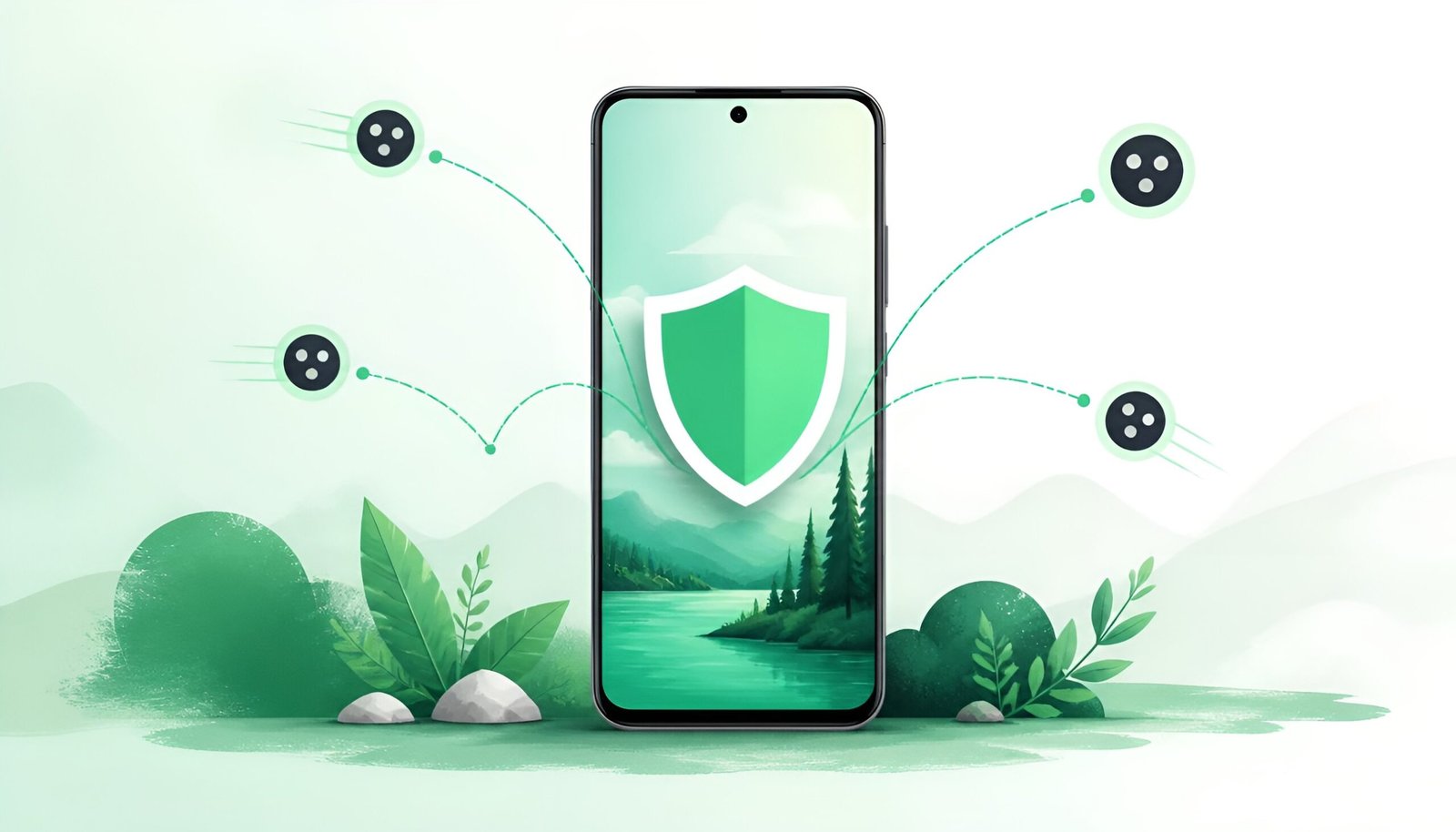
DuckDuckGo’s Android app pairs a tracker-blocking browser with a feature called App Tracking Protection, which uses a local VPN connection (not an actual VPN service – it never leaves your device) to block hidden trackers inside your other apps too, not just in the browser. This is the single closest thing Android has to “the Safari ad, but for Android” – one app, one toggle, system-wide effect.
Good for: Anyone who wants the simplest possible answer to “how do I get what that ad is describing” without managing multiple apps.
2. NetGuard – Control Which Apps Can Even Reach the Internet
NetGuard takes a different approach: instead of filtering what loads inside a browser, it lets you individually allow or block internet access per app, on WiFi and mobile data separately. It’s open-source, doesn’t require root, and doesn’t phone home itself. A large share of tracking on Android happens through background app activity that never touches Safari or Chrome at all – this is what actually stops that.
Good for: People who want to see – and control – exactly which installed apps are quietly using data in the background.
3. Exodus – See What’s Actually Hiding in Your Apps First
Before blocking anything, it’s worth knowing what you’re dealing with. Exodus scans the apps already installed on your phone and reports exactly which tracking and analytics libraries are built into each one, pulling from an open database of scanned APKs. It doesn’t block anything itself – think of it as the diagnostic step before you decide what NetGuard or DuckDuckGo needs to handle.
Good for: Anyone who wants to actually see the receipts before deciding this is worth the setup effort.
4. TrackerControl – The Most Granular Option (Not on Google Play)
TrackerControl gives per-app, per-tracker control and shows you which company is behind each tracking attempt and why (analytics, advertising, etc.), combining the Disconnect blocklist used by Firefox with DuckDuckGo’s mobile tracker database. The catch: it isn’t distributed through Google Play at all – you get it from F-Droid or directly from the developer’s GitHub. For most people that’s an extra hurdle; for anyone comfortable with it, it’s the most detailed option here.
Good for: Users who want to see exactly which company is tracking them through which app, not just a blanket block.
Get TrackerControl (F-Droid/GitHub)
Frequently Asked Questions
What is Apple’s Safari tracker ad about?
In June 2026, Apple launched a global ad campaign called “Clingers,” created by TBWA\Media Arts Lab. It shows online trackers personified as chrome-suited stalkers that follow Android and Chrome users around – peeking over their shoulders, riding on their backs during commutes – and then vanish the moment the person switches to Safari on iPhone. The ad is built around real Safari features (blocking cross-site tracking, masking IP addresses, preventing fingerprinting by default), but frames it as something exclusive to iPhone that Android users simply don’t have.
Is Apple’s ad fair to Android, or is it just marketing?
It’s marketing with a real technical point underneath it. Safari genuinely does block more tracking by default than Chrome on Android does. But the ad implies iPhone users are simply safe and everyone else is exposed, which oversells it – Android users who install the right tools can close most of that gap, they just have to do it themselves instead of getting it automatically.
Does Chrome on Android block trackers at all?
Some, but less than Safari by default. Chrome blocks some third-party cookies depending on current rollout status and offers “Enhanced Safe Browsing,” but it doesn’t run the equivalent of Safari’s Intelligent Tracking Prevention out of the box. Switching your default browser to DuckDuckGo or Firefox with uBlock Origin closes most of that gap.
Why isn’t AdGuard’s full app on the Google Play Store?
Google’s developer policies restrict apps that use the local VPN permission specifically to block ads and trackers system-wide, and AdGuard’s main Android app has been removed from Play before over this. The Content Blocker version that works inside Samsung Internet and Yandex is still on Play; the full VPN-based blocker is available as a direct download from AdGuard’s own site.
Do I need all of these apps, or just one?
DuckDuckGo alone covers most of what people are actually worried about after seeing an ad like this – browsing plus background app tracking, in one install. NetGuard and Exodus are for people who want more granular visibility and control, not strictly required.
Will blocking trackers break any of my apps?
Occasionally, yes. Some apps rely on the same network requests for both tracking and core functionality (login, push notifications, in-app purchases), so aggressive blocking can cause a specific app to misbehave. Tools like NetGuard let you allowlist individual apps if something breaks after you turn blocking on.
Final Thoughts
Between DuckDuckGo, NetGuard, and Exodus, these android tracker blockers cover browsing, background apps, and visibility into what’s tracking you in the first place.
Apple’s ad is built to make Android and Chrome look like they’re leaving the door wide open, and technically, out of the box, they leave it more open than Safari does. But “more open by default” isn’t the same as “impossible to close” – DuckDuckGo alone gets an Android user most of the way to what that ad is describing, and NetGuard or Exodus can close the rest of the gap for anyone willing to spend ten minutes setting it up.
If privacy is the concern, it’s also worth looking at what’s sending your messages, not just your browsing – our guide on downloading Signal covers the messaging side of the same problem.
Tested on: Android 14 · Android 15 – Updated August 2026