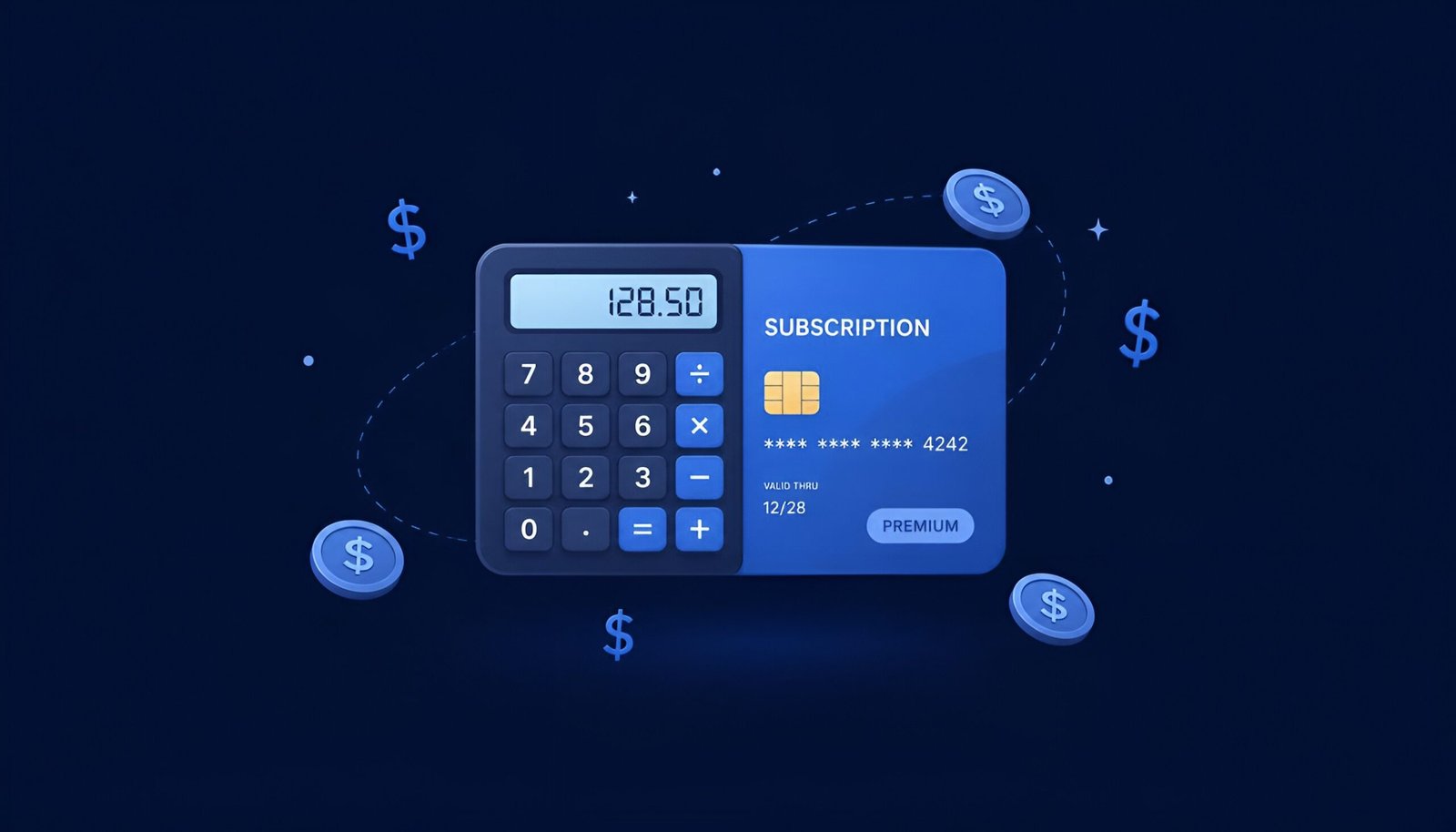
This subscription refund calculator answers the one question every cancellation guide dances around: will you actually get money back? Canceling a subscription doesn’t always cost you money — but it doesn’t always give you money back either, and the answer changes service by service. Netflix and Spotify keep whatever you already paid. Amazon Prime sometimes refunds you in full. Adobe can actually charge you more if you cancel early. Pick your service below to see which rule applies to you, and roughly how much is at stake either way.
Subscription Refund Calculator
Check if your service actually refunds unused time, then estimate the amount.
How This Subscription Refund Calculator Works
The subscription refund calculator above does two things at once. First, it looks up the actual refund policy for the service you picked — not a guess, but the real rule that company applies when you cancel. Second, it does the day-by-day math on your specific billing period, so you can see exactly how many days you’ve used, how many are left, and what that remaining time would be worth if it were refunded.
Those two pieces matter separately. Knowing your unused time is “worth” $12.40 means nothing if the service simply doesn’t refund unused time at all — which is true for most subscriptions, including Netflix and Spotify. That’s why the subscription refund calculator always shows the policy first, in plain language, before showing any number. For Adobe specifically, the math runs in the opposite direction: instead of a refund, it estimates the early termination fee you may owe for canceling an annual plan before it’s finished.
None of this replaces checking your own account before you cancel — pricing, promotional discounts, and regional rules can all shift the exact number. The FTC did finalize a “click to cancel” rule in 2024 requiring companies to make cancellation as easy as signing up, though a federal appeals court struck it down in 2025 and the FTC is now working to revive it — worth knowing the legal backdrop is still unsettled even as the refund policies above stay the same either way. Use the subscription refund calculator as a starting point, then confirm the final number on the cancellation screen itself.
Looking for the exact cancellation steps instead of just the refund math? See our guides for Netflix, Spotify, Adobe Creative Cloud, Amazon Prime, YouTube Premium, or Disney+.